A reproducible sample meet
This walkthrough drives against a synthetic Sample Invitational meet that the app loads when launched with -test.seedFixtures YES. The fixture is identical across runs:
- 3 events — 100m · Boys, 200m · Boys, 4×100m Relay · Boys
- 3 teams — Lake Forest, Branson, Marin Christian
- 12 recorded finishes
- An IAAF inclusive tie at 3rd place in the 100m (Emma Davis + Sam Chen both run 12.04s)
- Default awards policy: top 3 medal per event, relay = both team plaque + 4 athlete medals
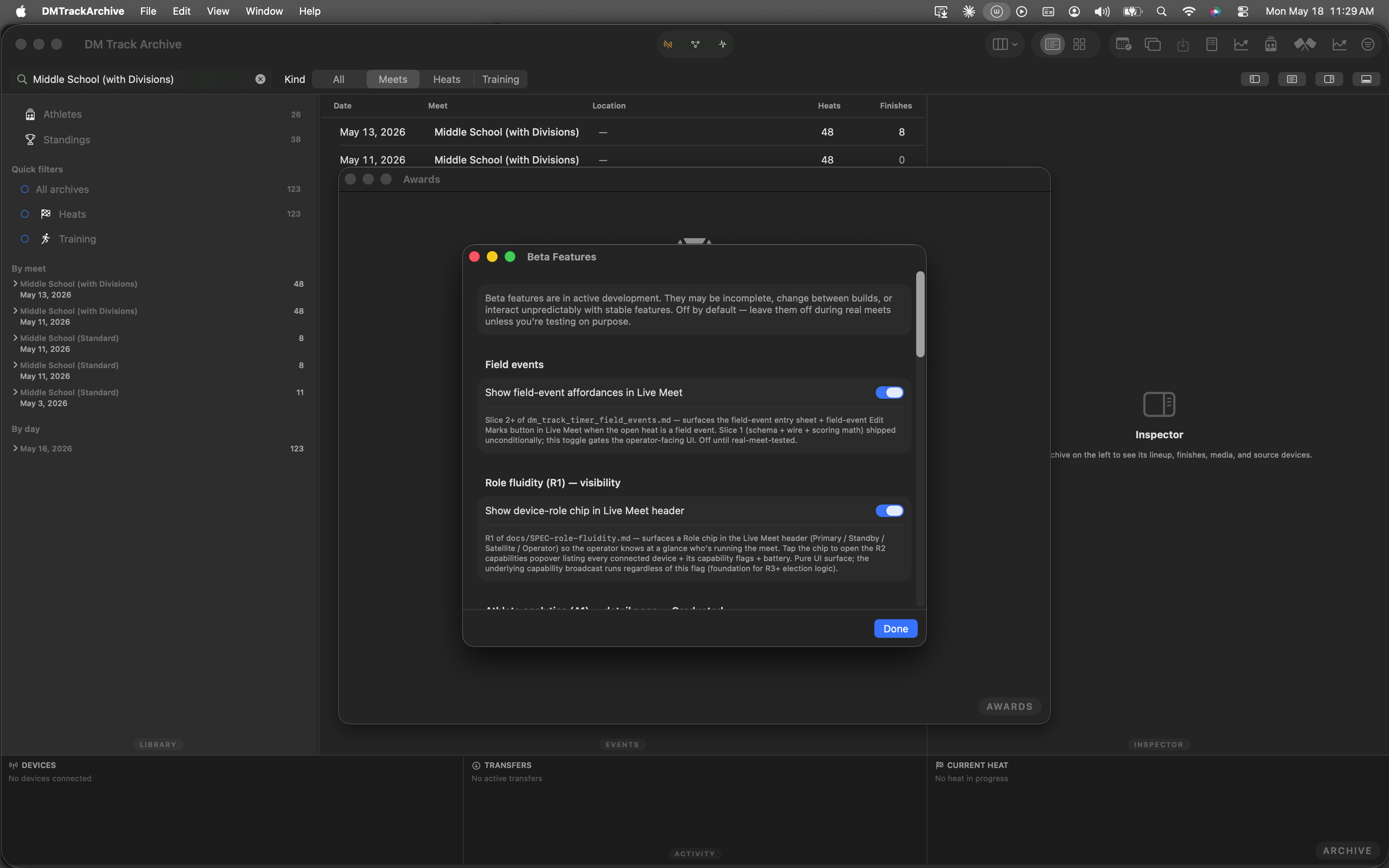
The Mac archive just after launch. The synthetic meet is loaded; the relay browser shows the sample data.
Open the Window menu
The Winners window doesn't have a keyboard shortcut by design — it's a meet-end action, not a quick-access. Find it under the Window menu alongside the other meet-control surfaces.
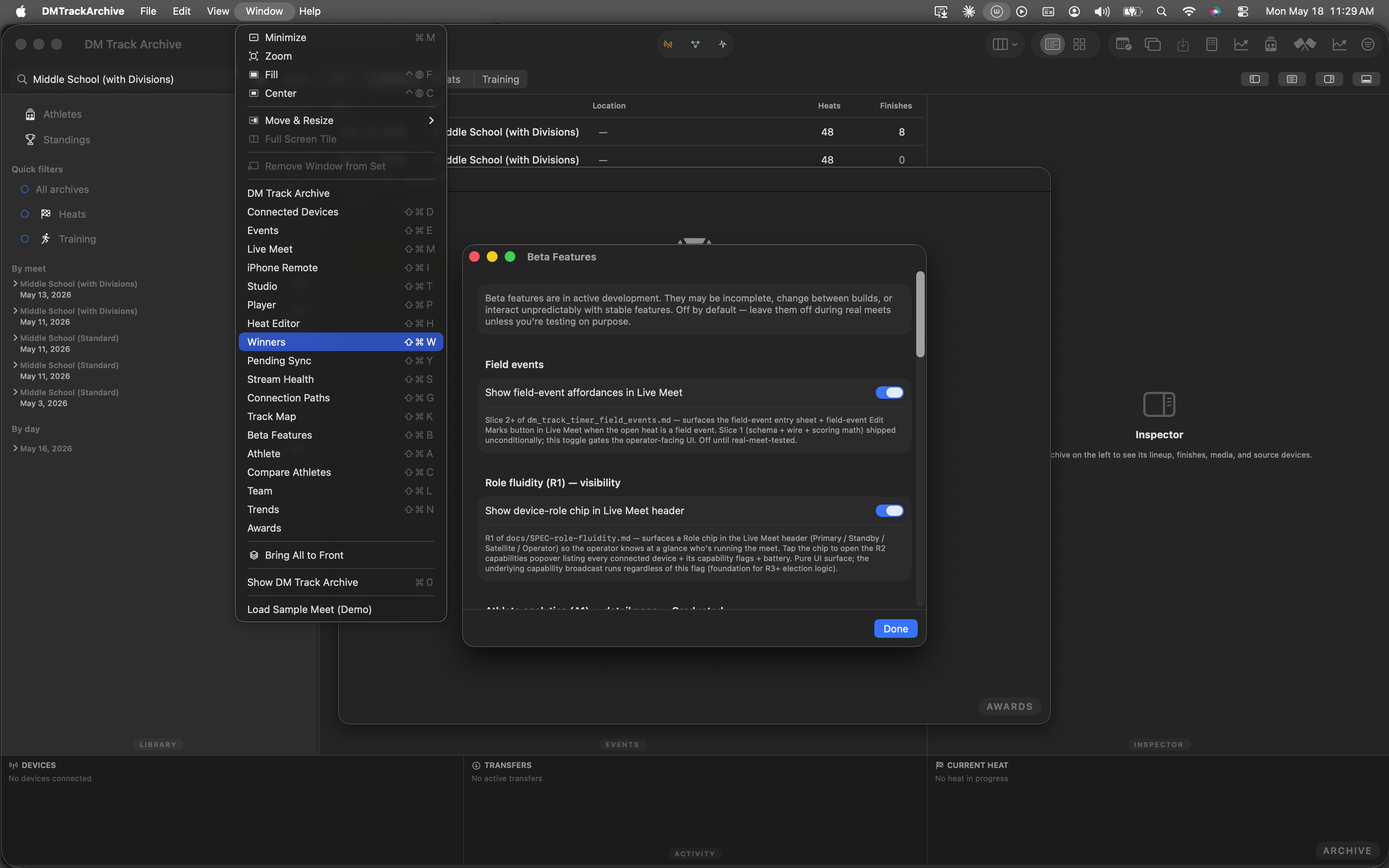
The Window menu listing every scene the Mac archive registers. Click Winners.
Click "Generate Awards"
The Winners window opens already pointed at the Sample Invitational meet. Look in the header row, between the meet title and the Export CSV button on the right — the new Generate Awards button (medal icon) is gated behind the beta.awards.list flag.
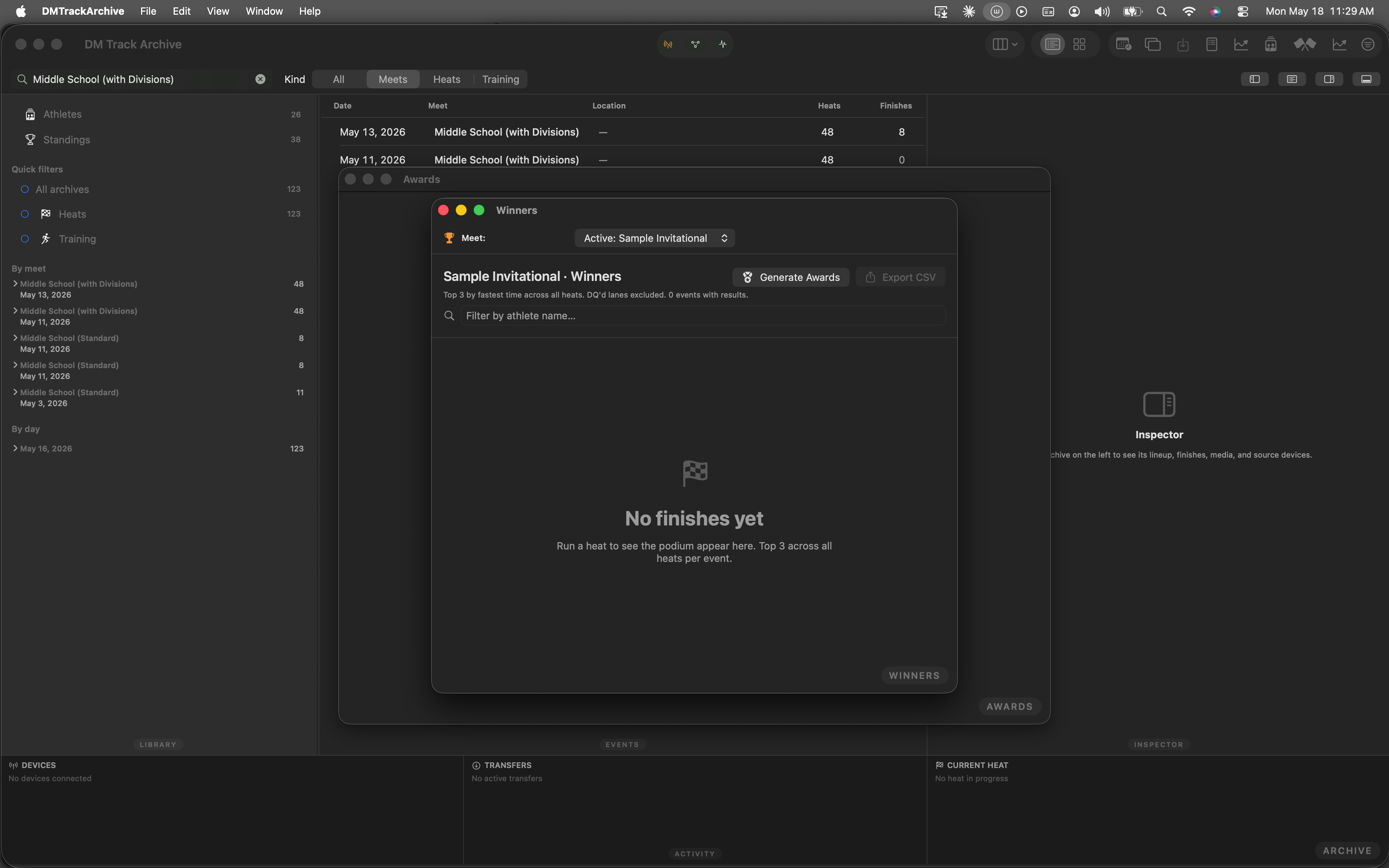
The medal button sits between the meet title and Export CSV. Click it.
MeetAwardsGenerator.generate(...) (a pure function — never re-ranks; just folds policy into the existing places), persists the ledger to ~/Library/Containers/.../Application Support/Awards/<meetID>.json, and opens the Awards window.
The Awards window populates immediately
Header pills give you the four numbers you'll quote to anyone asking about the meet: 10 awards, 22 labels to print (the relay row counts as 5 — one team plaque plus four athlete medals), 3 events, and the policy summary.
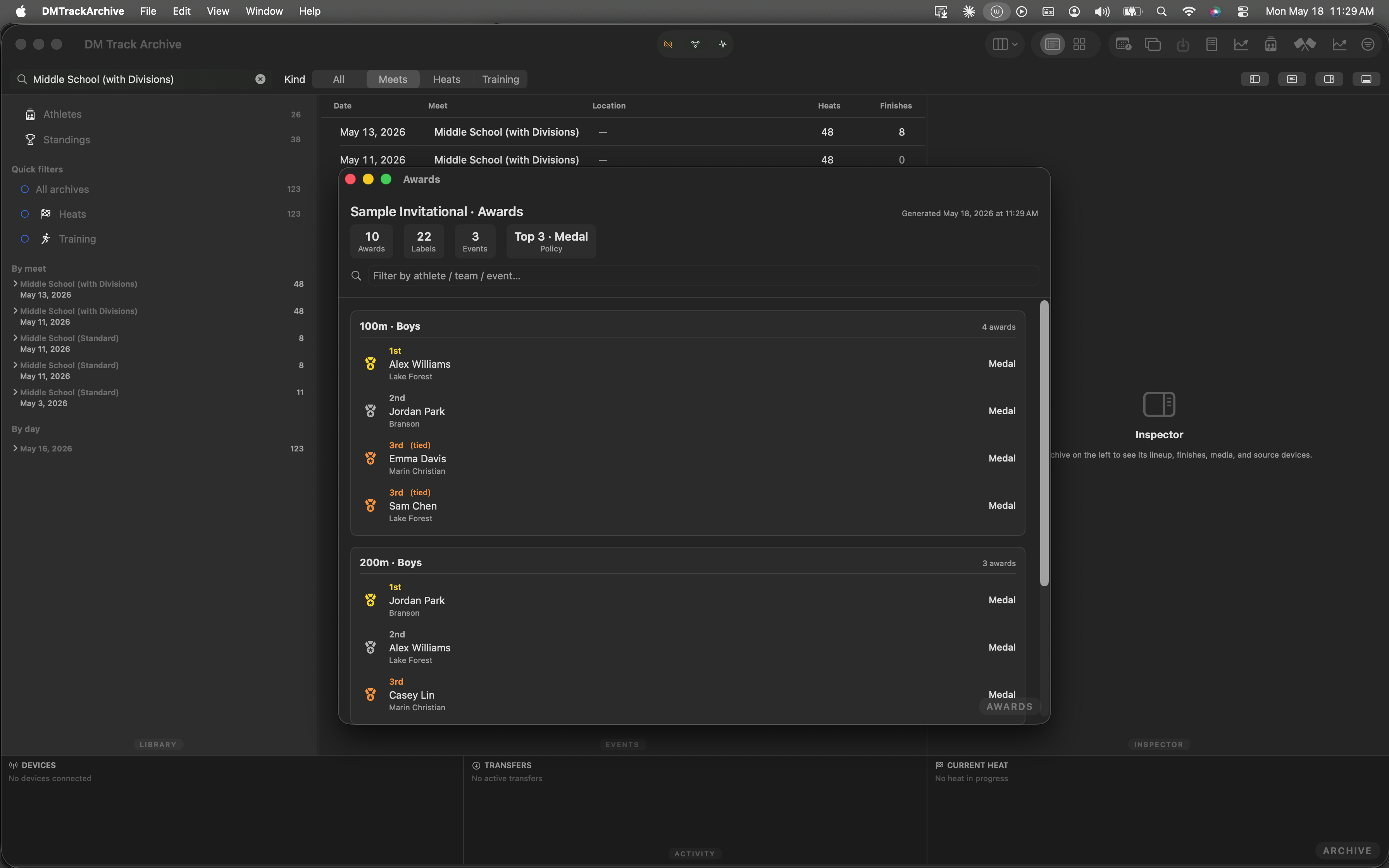
Per-event cards with 1st-gold, 2nd-silver, 3rd-bronze, and the tied-3rd duplicate row that IAAF rules require.
Filter across the entire ledger
Type into the search field to narrow by athlete name, team, or event label. Type Williams and the list collapses to Alex Williams's awards across all events at the meet:
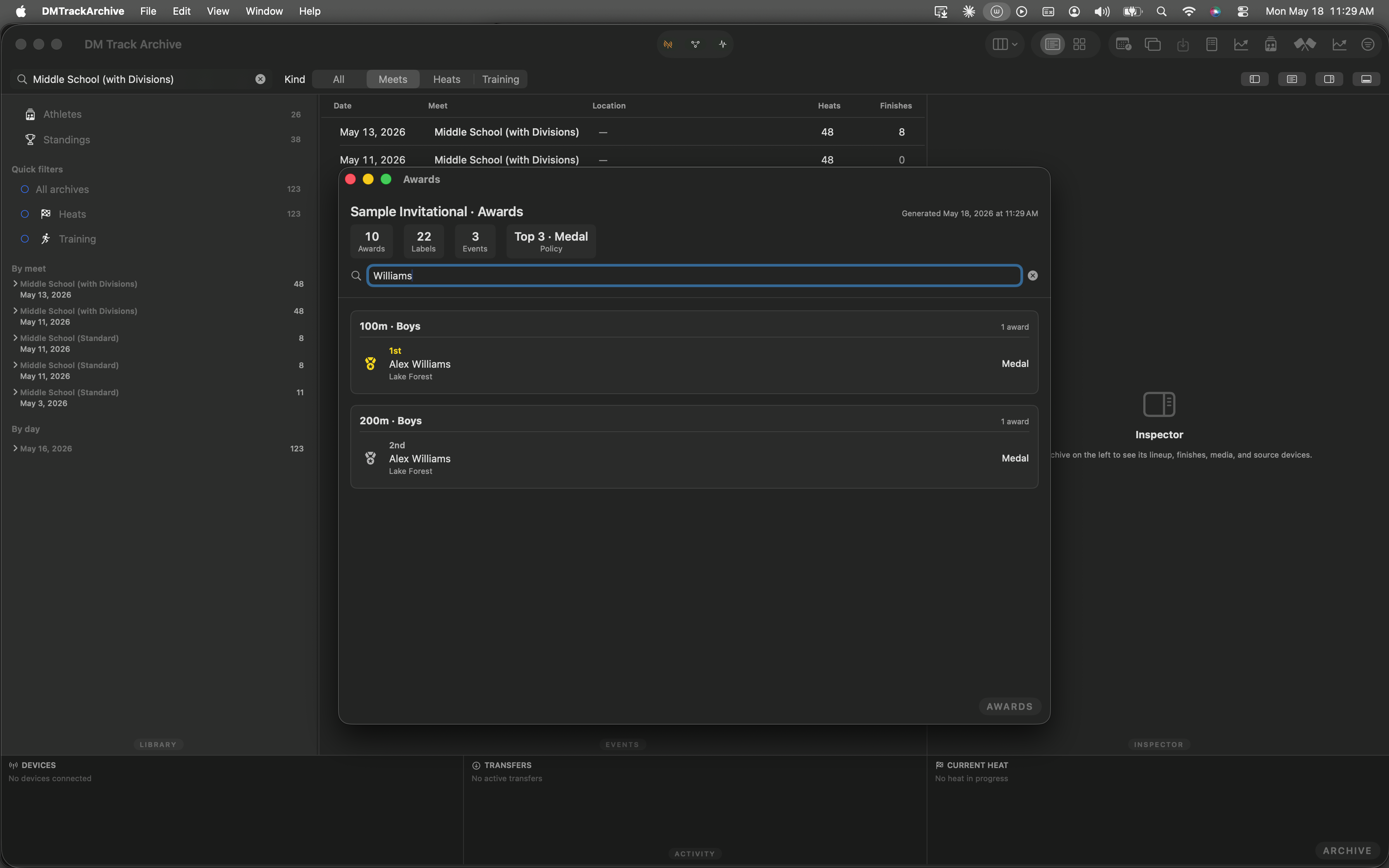
Filtered to Williams — 1st in the 100m, 2nd in the 200m. Headline pills still reflect the full ledger.
Why this is faster than the spreadsheet you used last season
- Pure-function generator. Same inputs always produce the same output. Re-running on the same standings yields identical award IDs, so distribution-tracking (W4) stays keyed correctly across re-generations.
- Policy hierarchy. Meet-level defaults, per-event-group overrides, per-event overrides — resolved automatically in priority order. Coach edits the policy once, applies to the whole meet.
- Relay-aware label math. Pick team plaque only, per-athlete medals only, or both per meet. Label count surfaces directly so the printer queue matches the medal box.
- Cross-target engine. The generator lives in
Sources/Awards/shared with the iPad target. Future iPhone/iPad authoring surfaces consume the same engine without a target move. - This walkthrough is automated. The five screenshots above came from an XCUITest that drives the app the same way you would. If the UI drifts, the test catches it before the screenshots can become misleading.
The rest of the awards workstream
W3 — exports: PDF awards list for the announcer table, Avery 5160 / 5163 / 5167 label sheets for medal-back stickers, per-team CSV for parent share-outs, and a one-click push to the cloud-sync relay so spectators with the app subscribed to the meet's room can pull the awards bundle without operator email.
W4 — distribution tracking: a checkbox column on the awards list. Mark each medal as handed out, with timestamp + optional initials of the volunteer who distributed it. Useful for the "did Emma get her 100m medal?" lookups that happen at every meet.
W5 — athlete-page integration: the Athlete window gains a "Medals" section showing every award the athlete has earned across every archived meet. Parents see their kid's medal collection in one place.