Track-meet timing ยท iPad + Mac

Time the meet. Capture the moment. Tell the story.

DM Track Timer runs the meet on iPad, archives every heat on Mac, and turns the raw timing data into standings, awards, athlete analytics, and coach feedback that goes straight to the athlete who needs it.

What's inside

Three coordinated apps. One meet.

Each device plays its role. The iPad is the timer-of-record. The Mac is the archive, the operator surface, and the coach's analytics workbench. The iPhone is a satellite camera at the finish line. The TV is the scoreboard.

โฑ

iPad โ€” Timer of record

Run the meet from a single iPad: lane assignments, heat starts, finish times, manual entry alongside stopwatches. Offline-first. Never blocks the manual flow.

๐Ÿ“ฆ

Mac โ€” Archive + operator surface

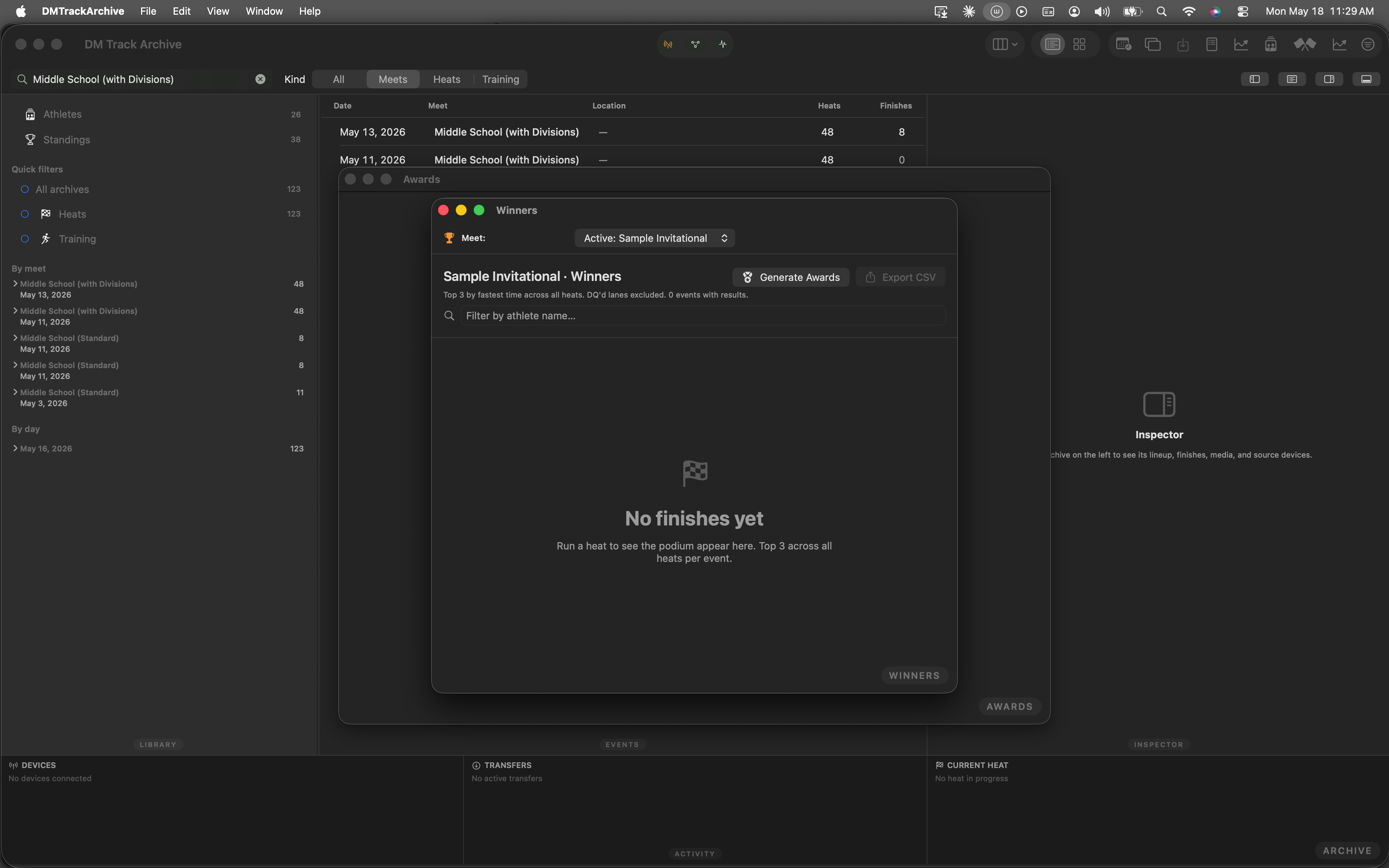
The Mac receives every heat snapshot, stores the video, and runs the meet's authoring + review tools. Edit lanes, browse the archive, run the awards ceremony from one window.

๐Ÿ“Š

Analytics โ€” Athlete + Team + Trends

Per-athlete PR tables and progression charts. Side-by-side comparisons. Team rollups with podium counts. Cross-meet improvement leaderboards. All from the data you already captured.

๐Ÿฅ‡

Awards โ€” generated, not typed

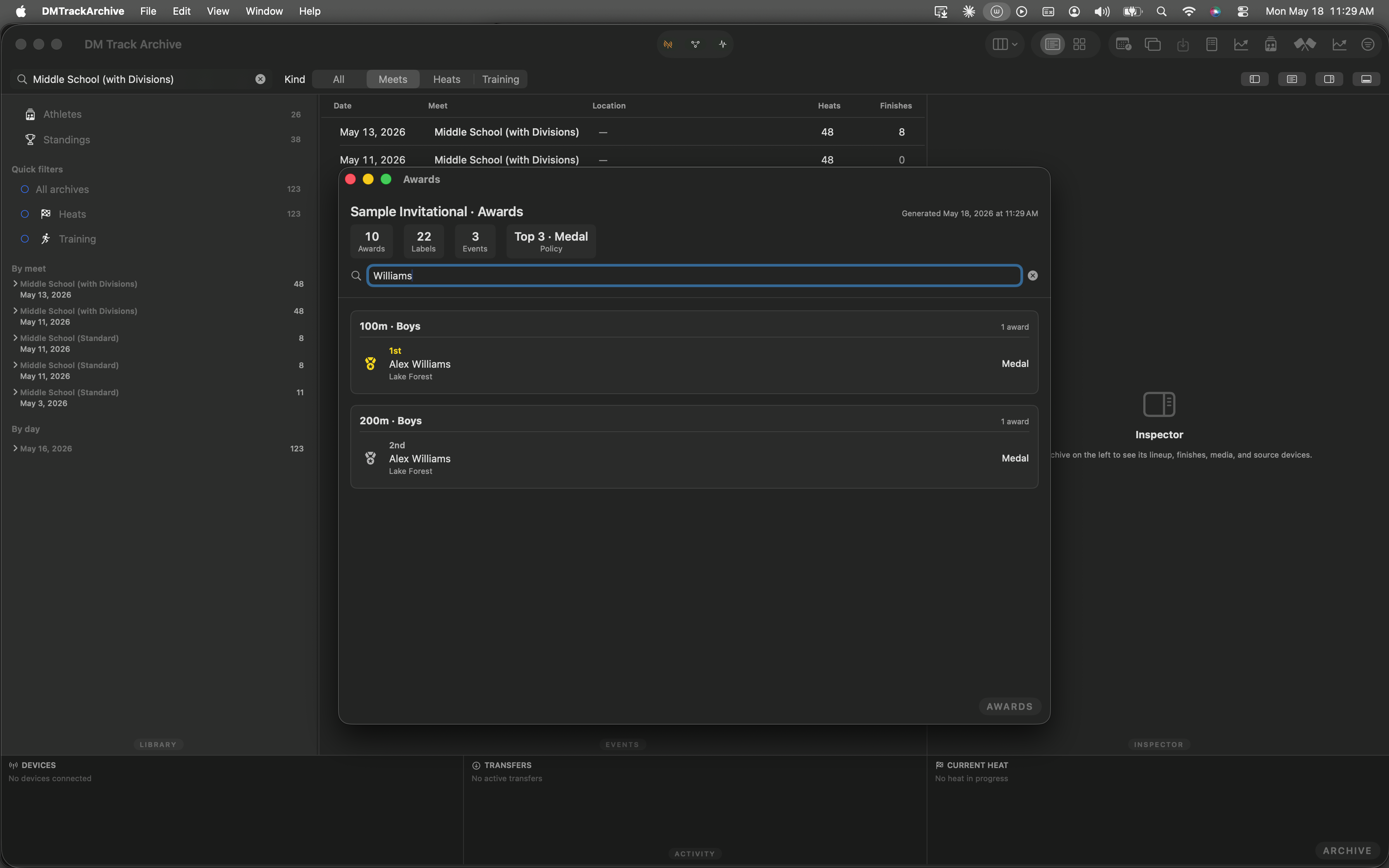
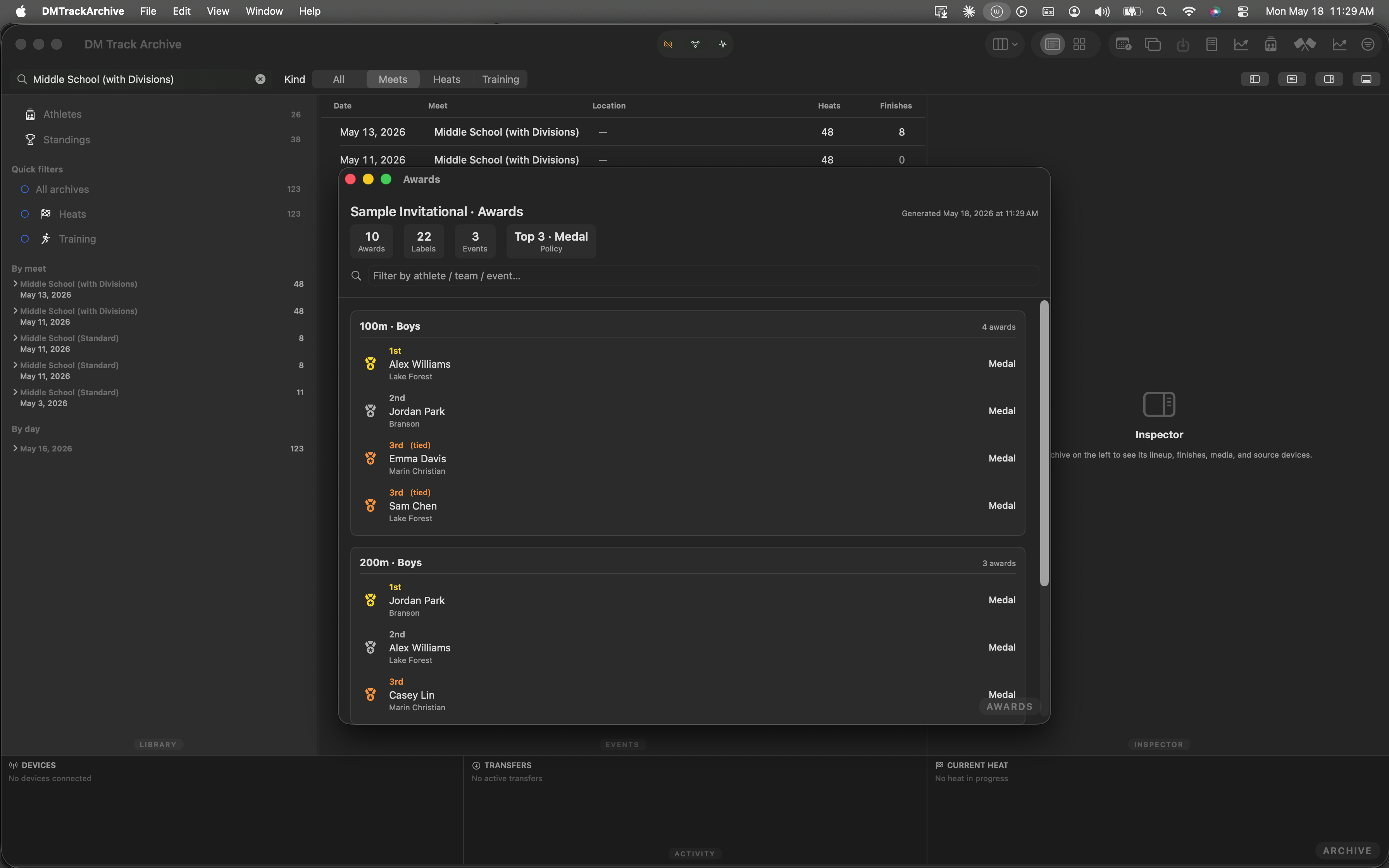
Top-N per event, with per-event-group overrides + relay sub-policy. IAAF inclusive ties handled correctly. Print-ready PDF + Avery labels (coming next). Distribution tracking on the way.

๐ŸŒฑ

Auto-seed from training data

Build a meet's heats automatically from each athlete's recent training PRs. Tertile-stratified, team-mixed when you ask for it, drag-to-tweak before you commit.

๐ŸŽฅ

Coach review (in design)

Pause any archived heat, draw on the video, dictate or type notes, and send straight to the athlete's profile. The athlete sees the coach's feedback alongside their own times.

See it in action

The Mac archive does more than archive.

A sample meet runs through the W2 awards-ledger workflow. Every screenshot below is captured by the project's automated walkthrough test โ€” what you see is what you'd get on day one.
Documentation

Read the click-by-click walkthroughs.

Every shipping feature gets its own visual walkthrough โ€” generated from the same automated test suite that catches regressions. The screenshots stay accurate because the test fails if the UI drifts.

Browse all walkthroughs โ†’