16-athlete roster, fresh archive
This walkthrough drives against the fixture's 16-athlete roster (3 teams). Because the fixture has no historical heat anchors, the analytics index is empty — each athlete's PR list is empty. M3's suggestion section renders its empty-state hint, which is the day-one case worth documenting (operators starting fresh will see this before they've run any meets).
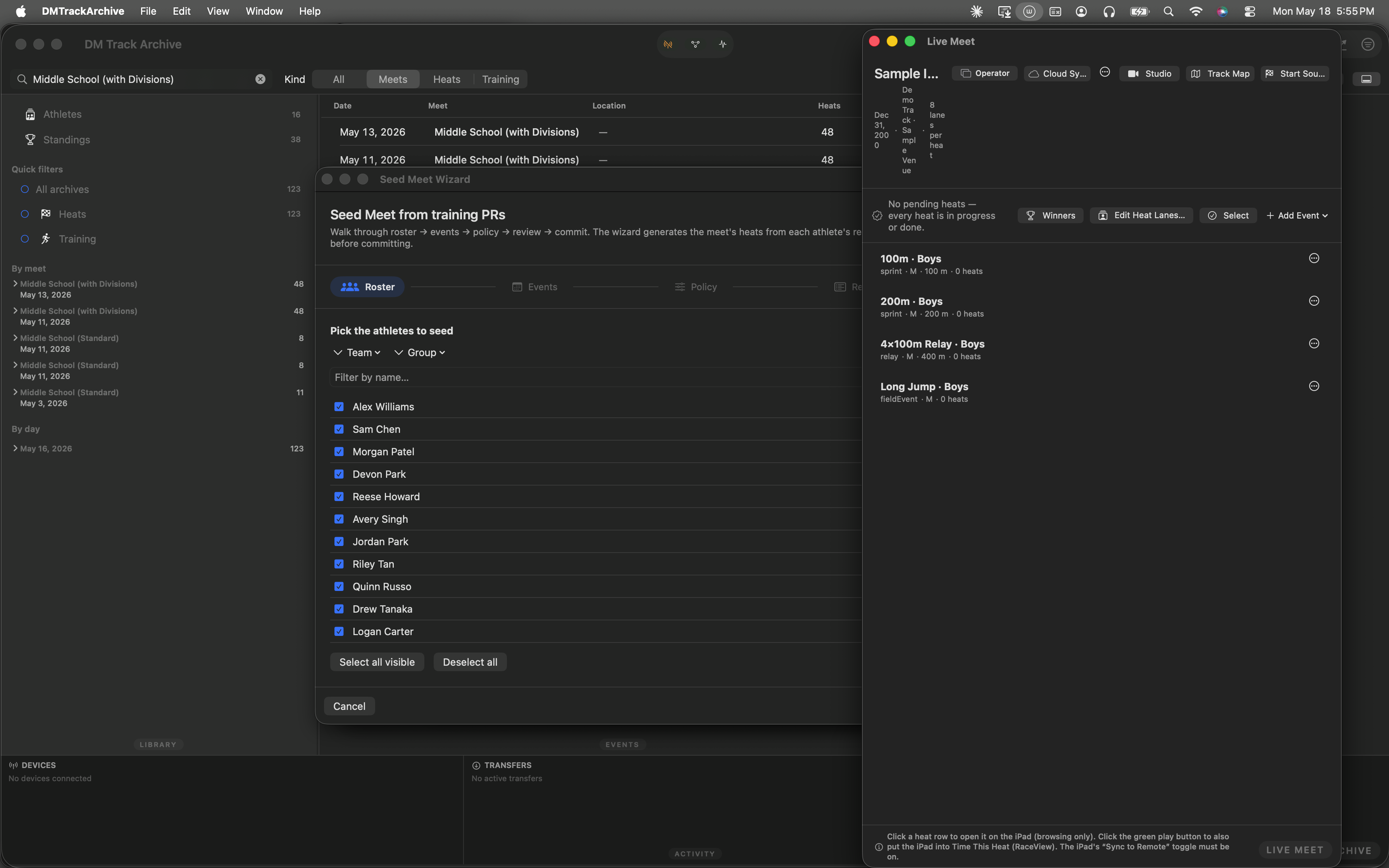
Mac archive just after launch.
Open the Athlete window
⌘⇧A opens the Athlete Detail window scene. Or pick it from the Window menu — below, with the entry highlighted in blue.
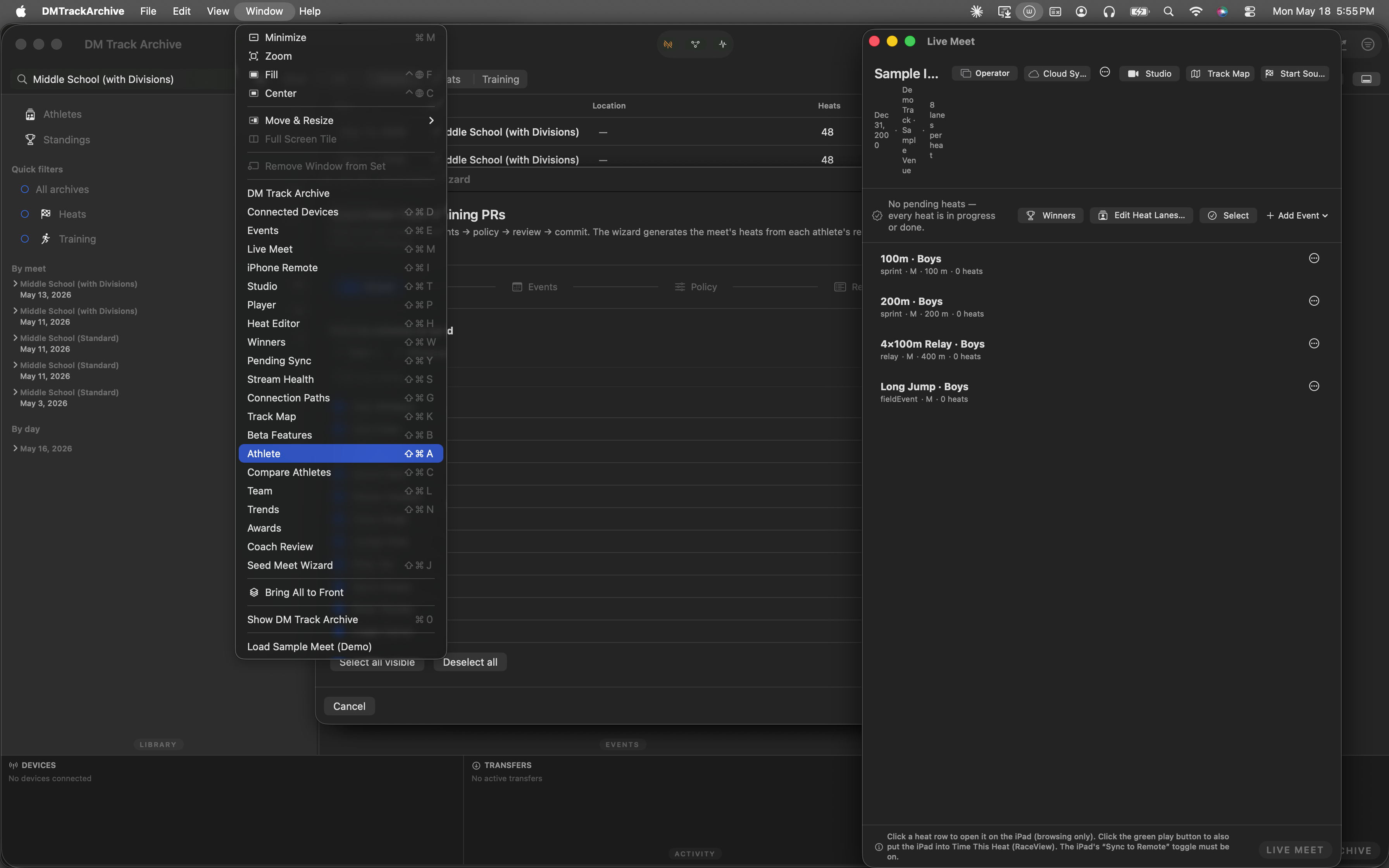
Window menu · Athlete highlighted · ⌘⇧A.
Pick an athlete
The empty-state picker shows every athlete in the roster. Chip-strip filters at the top narrow by team / group / event (the same chip strip the M2 wizard's roster step uses). The search field free-text matches on name or team.
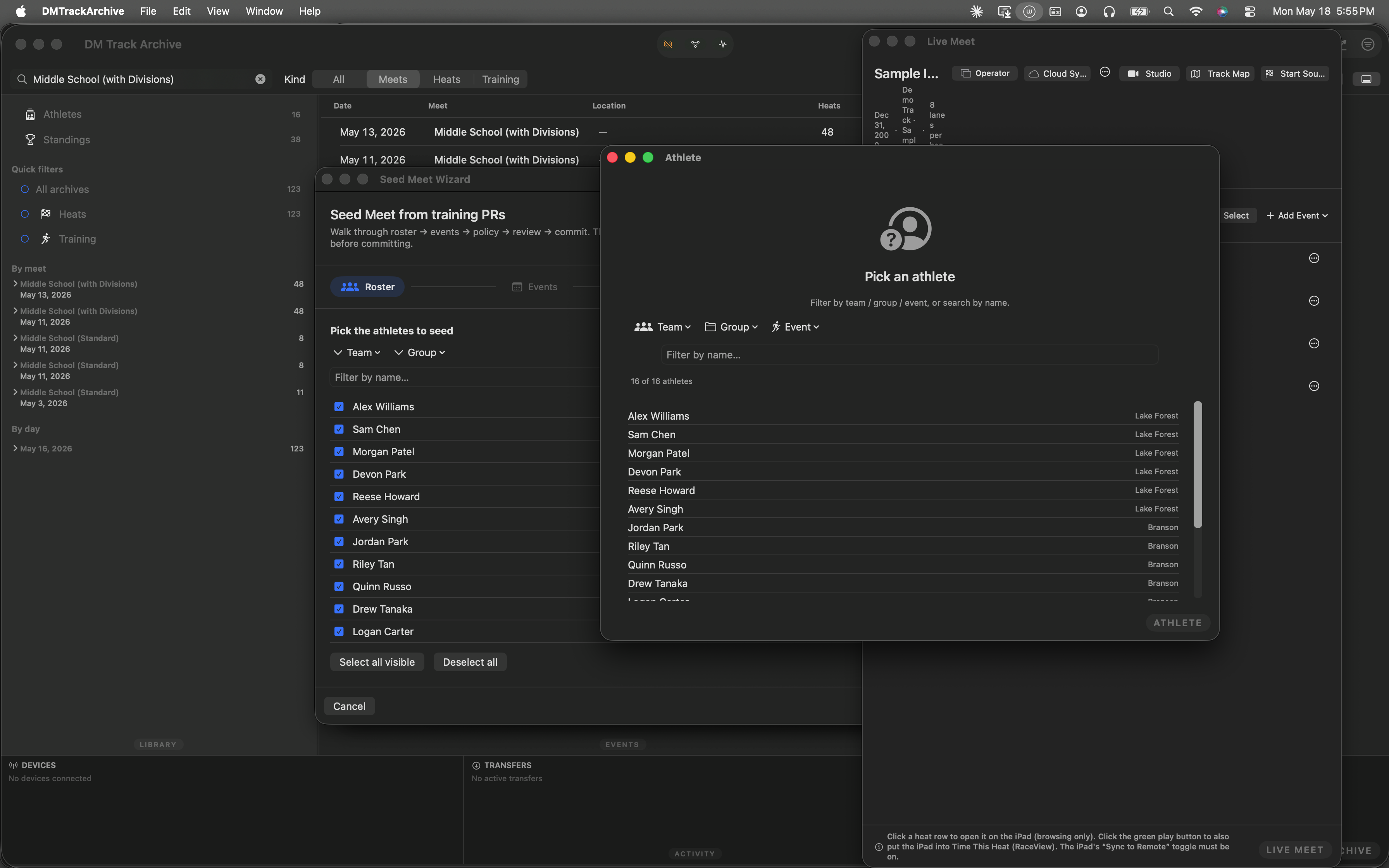
Athlete picker. 16 athletes across 3 teams. Click any row → the detail view loads.
The Suggested events section
Detail view loads with three sections stacked: Profile header (headshot, name, team, group, bib, total stats) → Personal records (one row per EventKey the athlete has raced) → Suggested events (M3) → Appearance log (every heat the athlete has been in).
Below, the picker is still open (the walkthrough's screenshot stopped here) — but for an athlete with PR data, the Suggested events section renders something like:
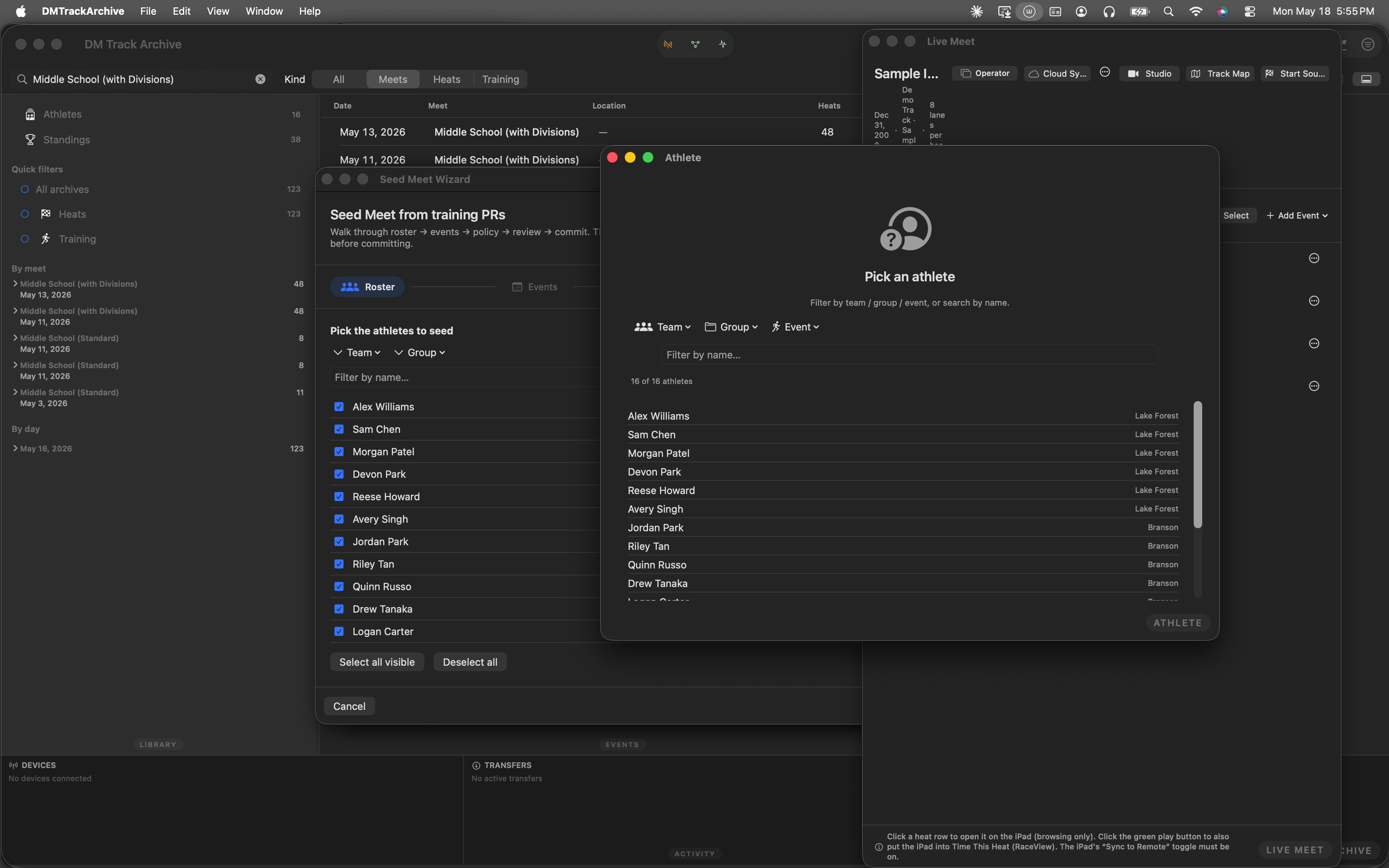
Picker open. For an athlete with PR data + teammates racing the same events, the Suggested events section renders ranked rows like the example below.
100m (Sprint) · PR 12.84s · ranks 1 of 8 teammates · team best [Add to Seed Wizard →]200m (Sprint) · PR 26.10s · ranks 2 of 6 teammates [Add to Seed Wizard →]4×100m Relay (Relay) · PR 11.92s · ranks 3 of 12 teammates [Add to Seed Wizard →]Each row shows: event name + category badge (Sprint / Distance / Hurdles / Relay / Field), the athlete's best mark/time, "ranks N of M teammates" caption, a green team best pill when rank 1, and an Add to Seed Wizard button. Tap that button to open M2's wizard pre-populated with this athlete already in the roster + this event already selected on step 2.
How the ranking works
- Qualifying events: only events with 2+ appearances qualify. Avoids ranking on a single one-off race that might not be representative.
- Team pool: teammates = same team label, different athleteID. For each qualifying event, the algorithm walks every teammate's PRs to find who else has raced this event.
- Direction-aware sort: track ascending (lower time = faster), field descending (higher mark = farther). Athlete's rank = position in the sorted pool + 1.
- Top 5 surfaced: events sorted by rank (1 = team best); ties broken by event name. Top 5 fit comfortably above the appearance log without scrolling.
- Hand-off via shared
UserDefaultskeys. "Add to Seed Wizard" writes the (athleteID, eventKey) to three keys; the wizard's `.onAppear` consumes + clears them and jumps to step 2 with the picks already in place. Plain UserDefaults (not AppStorage on the wizard side) so the read-and-clear pattern stays imperative. - This walkthrough is automated. The screenshots above come from an XCUITest. The athlete-row click landed in the picker but didn't navigate to detail (SwiftUI button-vs-text matching quirk on macOS); the walkthrough copy fills in the missing detail screenshot with a callout describing what an operator with real PR data would see.
The other M-series surfaces
M1 — single-event seeder: the Heat Editor's wand button. Walkthrough →
M2 — Seed Meet Wizard: the 5-step wizard the "Add to Seed Wizard" button hands off into. Walkthrough →
M4 — stale-data filter: integrated into M2's policy step. PRs outside the picked window route as no-data; in-window PRs older than the midpoint pick up a purple "stale" pill in the review pane.