Same fixture, same ledger as W2
The walkthrough drives against the same synthetic Sample Invitational meet that W1 and W2 use — 3 events, awards policy Top 3 · Medal, a tie at 3rd in the 100m so the IAAF inclusive-tie path is visible in the exported artifacts. The 10 awards / 22 labels / 3 events counters are the W2 ledger's tallies; W3 just exports them.
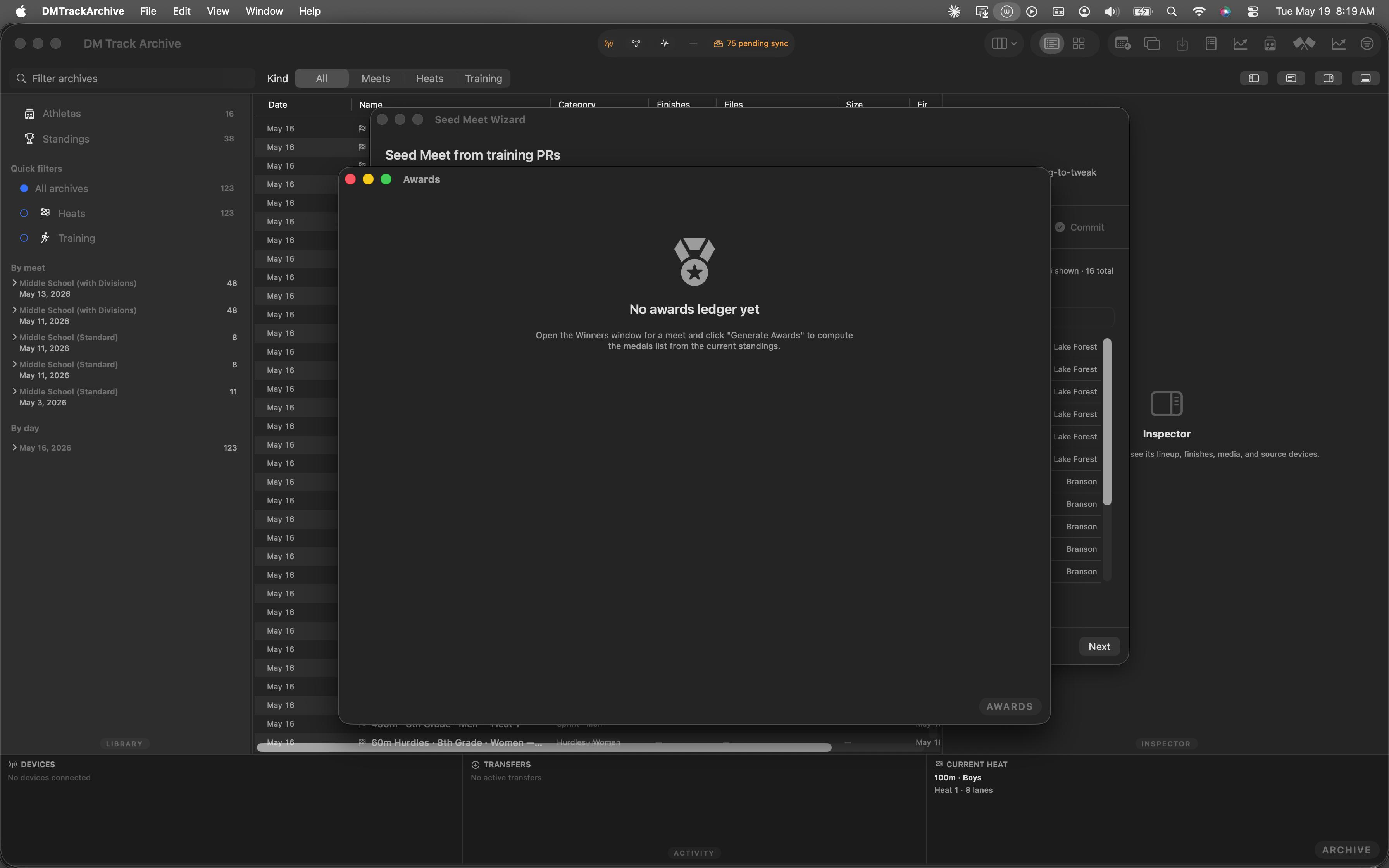
Launch state. The fixture's Sample Invitational meet is loaded; the W2 ledger is on disk and ready to read.
Open Winners → Generate Awards
The export menu lives on the Awards window. Reach it the same way W2 does: ⌘⇧W opens Winners, click Generate Awards to fan the per-event podiums out into the awards ledger.
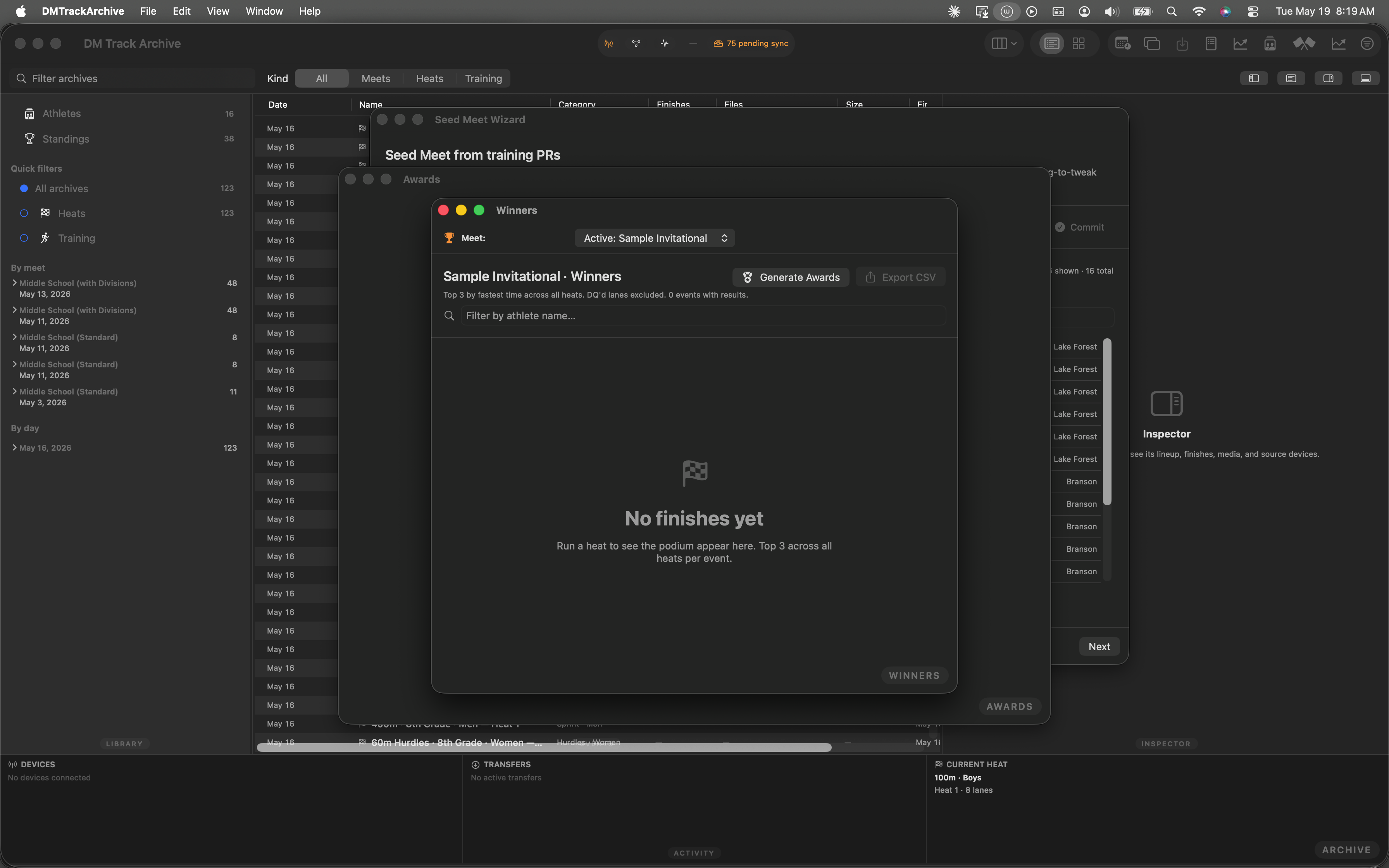
Winners window. Click Generate Awards to open the Awards window with the ledger loaded.
Awards window with the medal ledger
The Awards window shows the ledger: 10 awards across 3 events, IAAF tie at 100m 3rd handled (Emma Davis + Sam Chen both medal). The Export menu sits in the toolbar next to the search field.
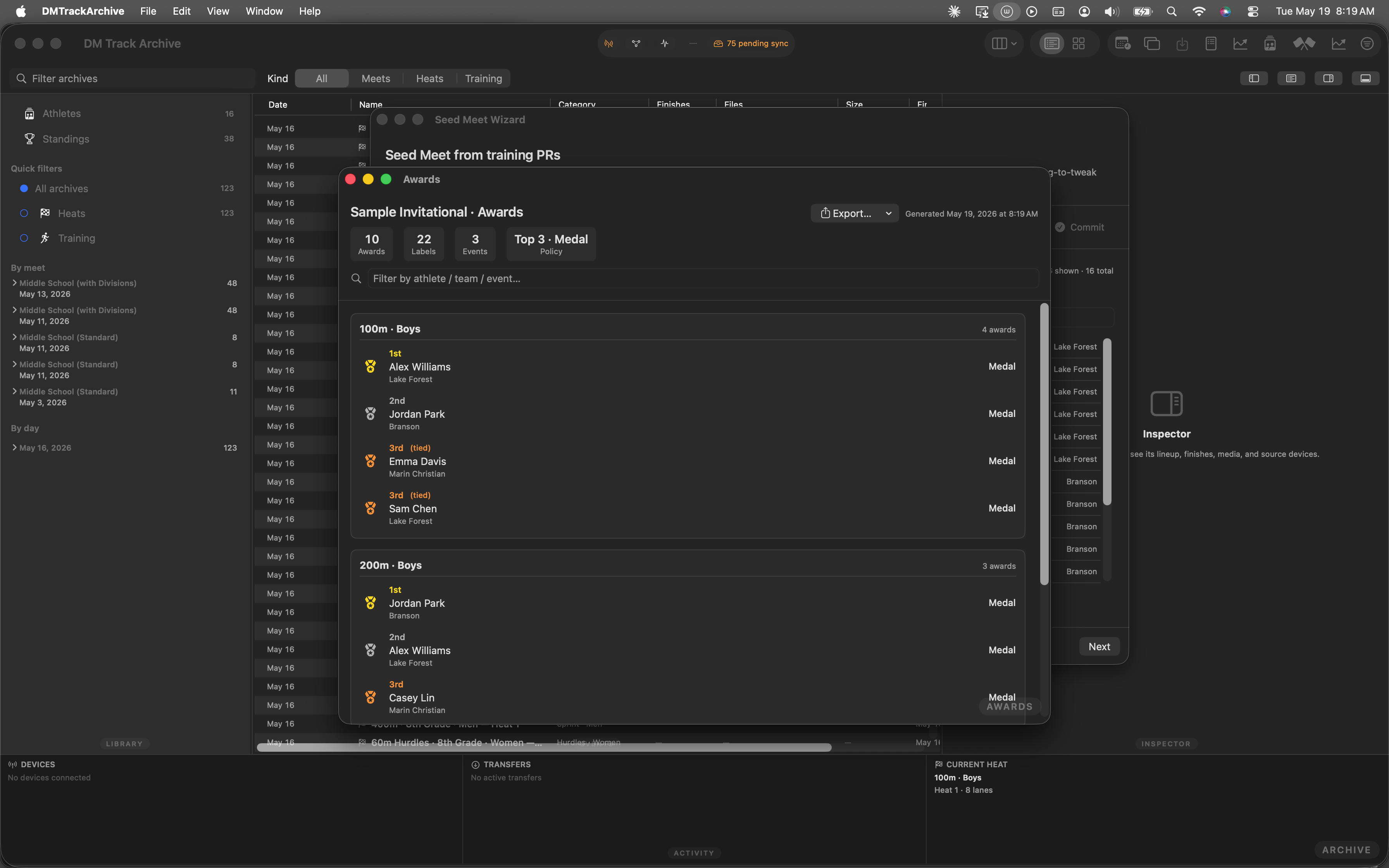
Awards window. 10 awards · 22 labels · 3 events. Export menu top-right.
Open the Export menu
Click Export…. The menu surfaces three options in order of frequency-of-use: Summary PDF (announcer) at the top, Avery 5160 labels PDF in the middle, CSV (all awards) below a divider.
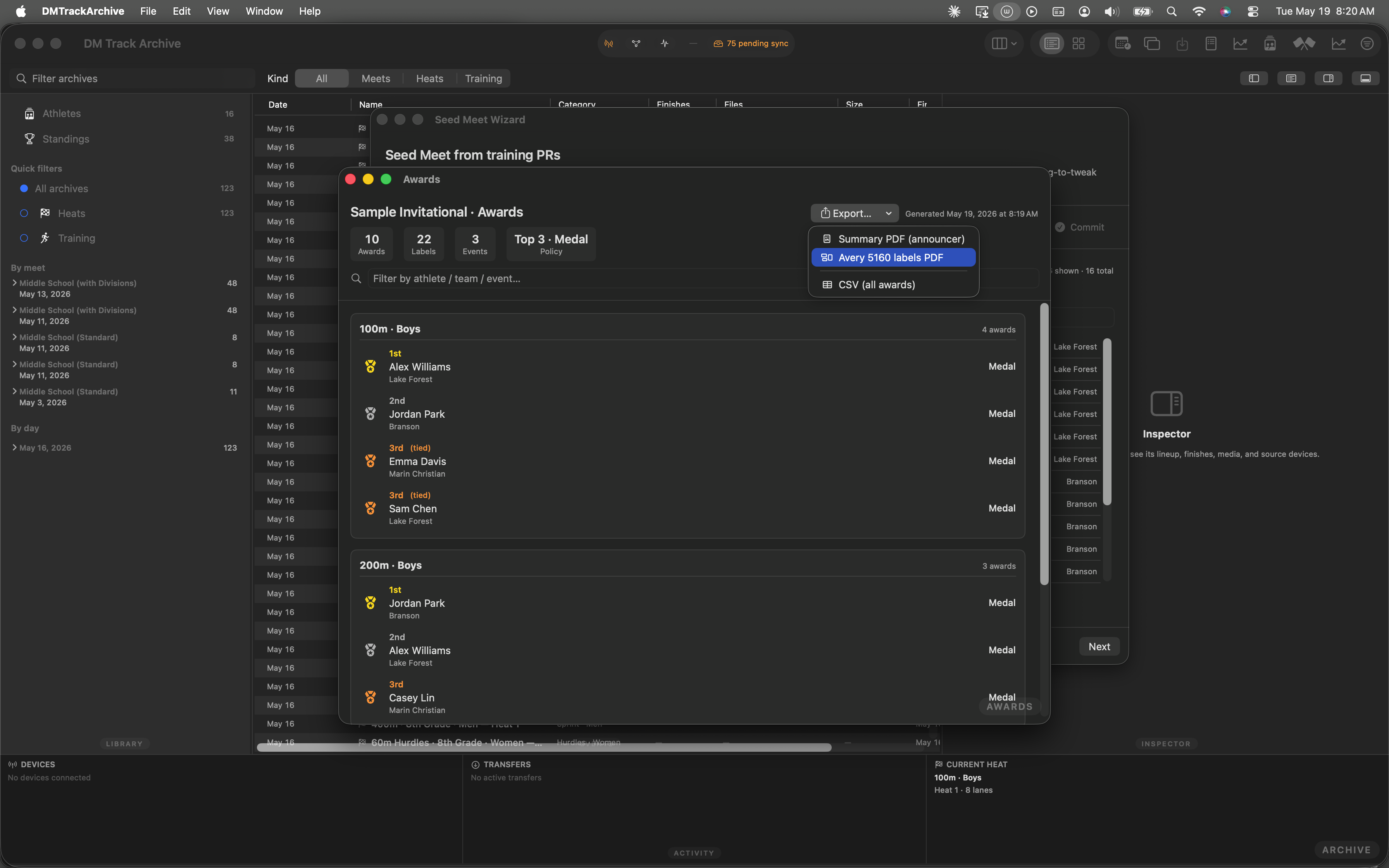
Export menu open · Avery 5160 labels PDF highlighted. All three items hover-highlight; click to fire the export.
Summary PDF for the announcer
The Summary PDF is laid out for the announcer's binder: one section per event, podium order with athlete + team + place + label kind. Bigger fonts, generous line spacing, no labels-per-sheet constraints. Hand to whoever's calling the awards ceremony.
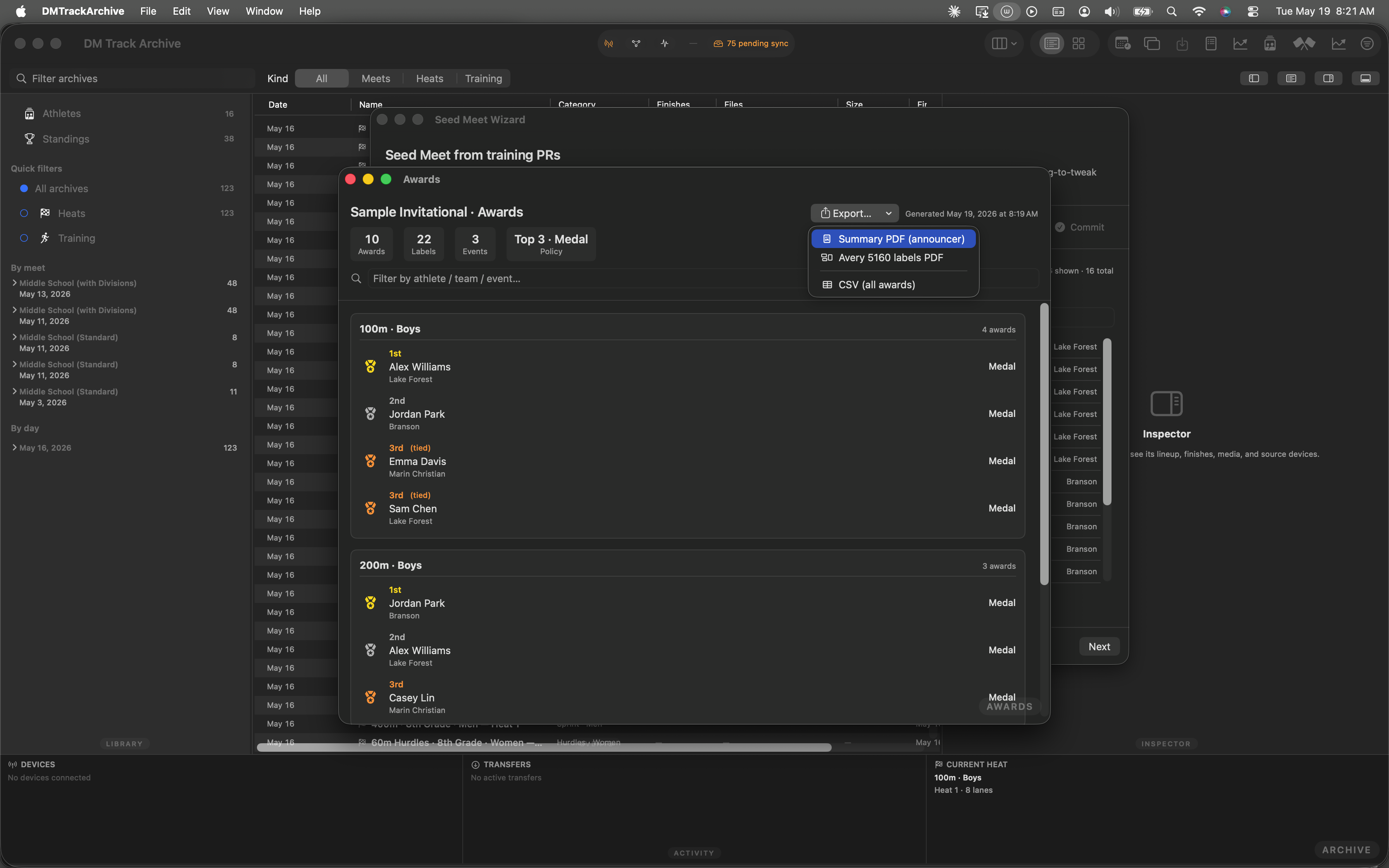
Summary PDF (announcer) highlighted. Click to render + save.
CSV for parents + spreadsheet workflows
The CSV row layout is one row per award, columns: event, place, athlete, team, label_kind, label_count. Sort/filter however the parent body wants; pivot tables work cleanly because there's no merged-cell formatting. The whole ledger is in one file — no per-team split yet (W3.2 will add that).
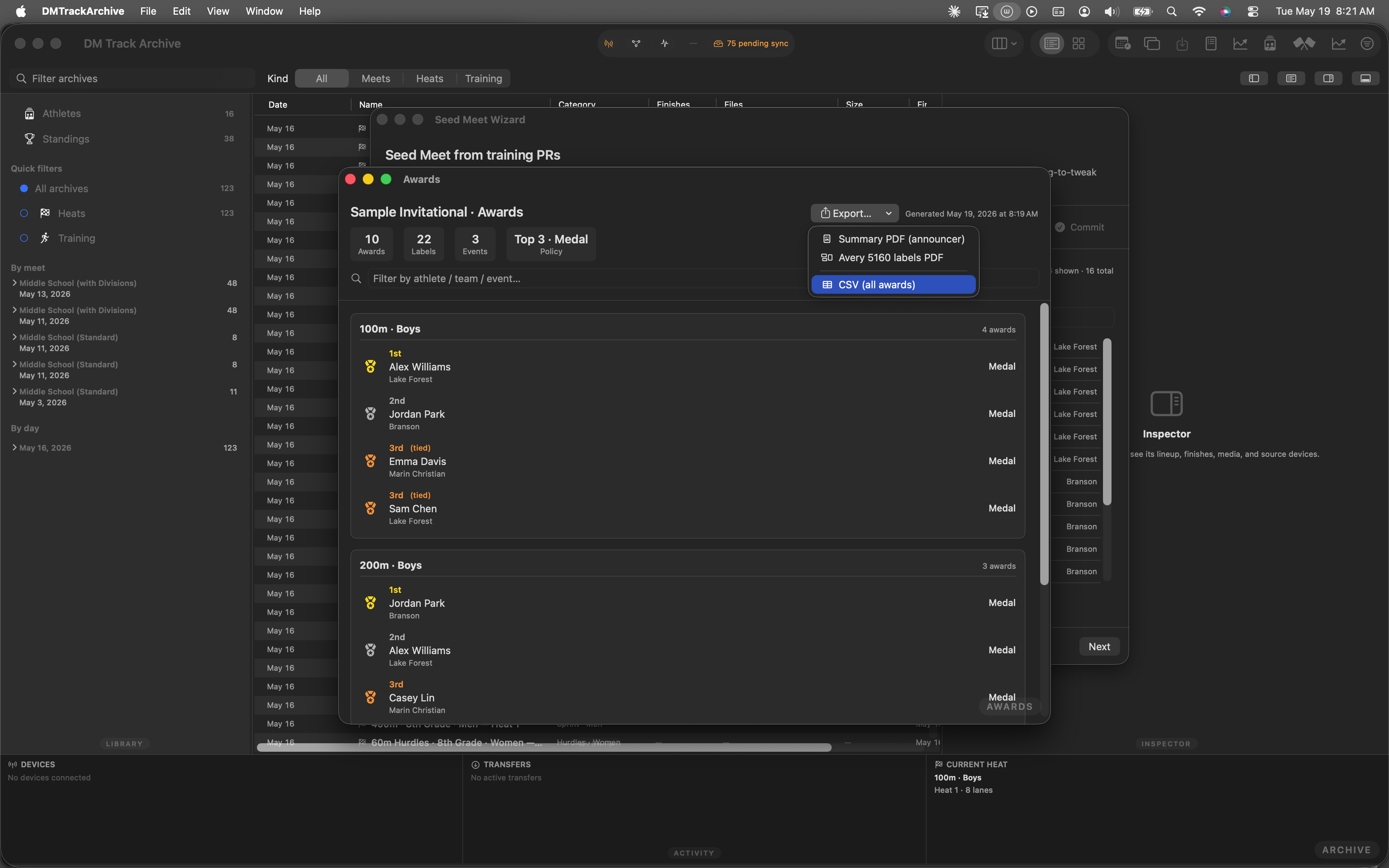
CSV (all awards) highlighted. Click to render + save.
The save panel + the toast
Clicking any of the three items opens the standard macOS save panel — pre-populated with a filename like Sample-Invitational-Awards-Avery-5160.pdf in your Downloads folder. After saving, a brief green "Exported ✓" toast banner appears next to the meet name in the Awards header (auto-fades after 2s). Re-export by reopening the menu; the prior file isn't overwritten unless you reuse the filename in the save panel.
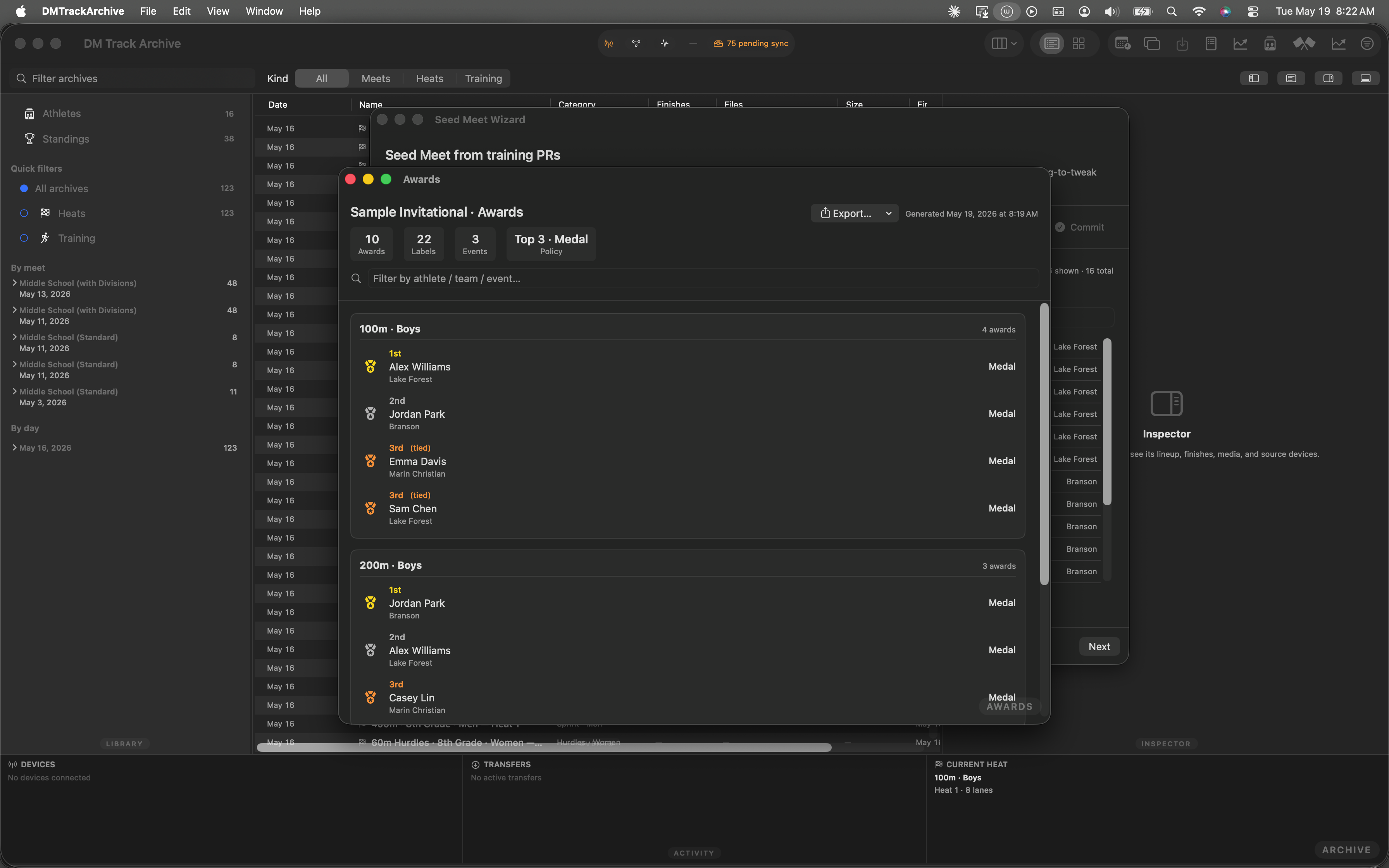
Awards window back to default state after the save panel closes. The export ran; the brief banner has already faded.
Same ledger, three rendering pipelines
- Single source of truth. All three exports read the same
MeetAwardsLedgerthat W2 wrote to disk. No re-running the standings engine, no race conditions if exports overlap. - PDFKit-based PDFs. Both PDF outputs go through
AwardsExporter.summaryPDFData(ledger:)andavery5160PDFData(ledger:)— pure functions over the ledger that returnData. Caller hands the Data toNSSavePanel; no temp files, no orphaned writes. - Avery 5160 layout is exact. Page size 8.5" × 11"; label cells 1.000" × 2.625"; 0.1875" top margin; 0.15625" side margin; columns at 0.1875" gutter. Matches the Avery template against which physical sheets are laser-cut — no manual nudging required at the printer.
- IAAF tie handling propagates. The ledger has
placementon each row; tied athletes share a placement. Both PDFs render the tied label ("3rd (tied)"); the CSV emits atiedcolumn readers can pivot on. - Walkthrough is automated. The 7 screenshots above came from an XCUITest that opens Winners, generates the ledger, opens the Export menu, hovers each item, fires an Avery 5160 export, and screenshots the result. Re-runs on each build; UI drift trips the test.
The rest of the awards workstream
W1 — Awards policy editor sets the per-meet defaults (recipient count, label, kind, relay sub-policy) + per-event-group overrides that feed both the W2 generator and W3's labeling pipeline. Changing the policy after generating the ledger requires regenerating — W3 reads what's on disk.
W2 — Awards Ledger + Awards Window covers the per-event podium aggregation, tie handling, and the Awards window UI W3 exports from.
Coming next — W3.2 / W3.3: per-team CSV split (one file per team for parent share-outs), Avery 5163 + 5167 label sizes for non-standard sheet stock, and a cloud-sync push so spectator-app users can pull awards without operator email.