Same fixture as the W3 walkthrough
The walkthrough drives against the same synthetic Sample Invitational meet — 10 awards across 3 events including a tied 3rd at 100m. If you've already read the W3 walkthrough, this is the same ledger you saw there; we're just exporting it in three new shapes.
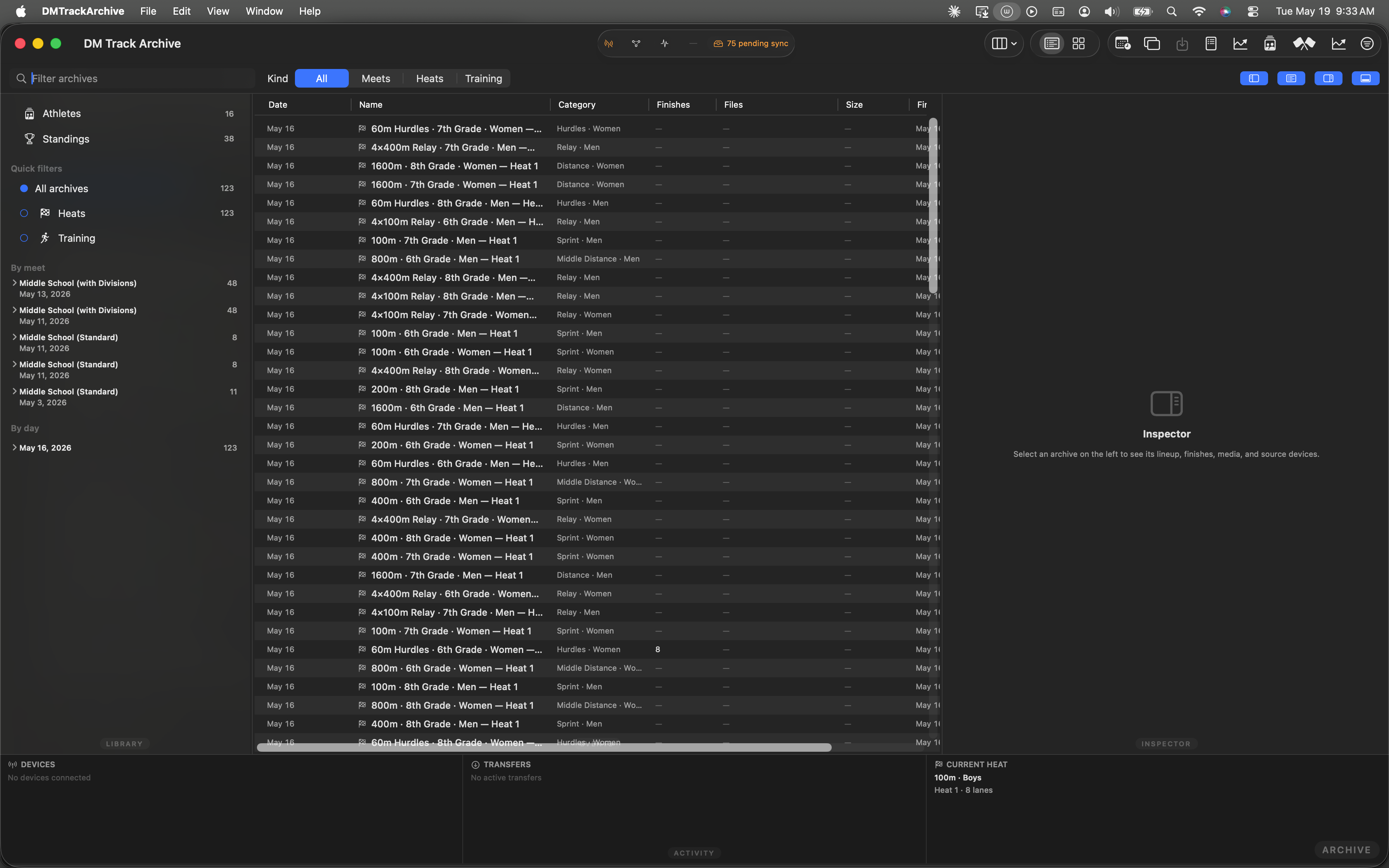
Launch state. Sample Invitational fixture preloaded, W2 ledger on disk.
Open the Awards window
Same path as W3: ⌘⇧W opens Winners → Generate Awards opens the Awards window with the ledger loaded. The Export menu lives in the toolbar next to the search field — same spot as W3, but the menu's contents grew.
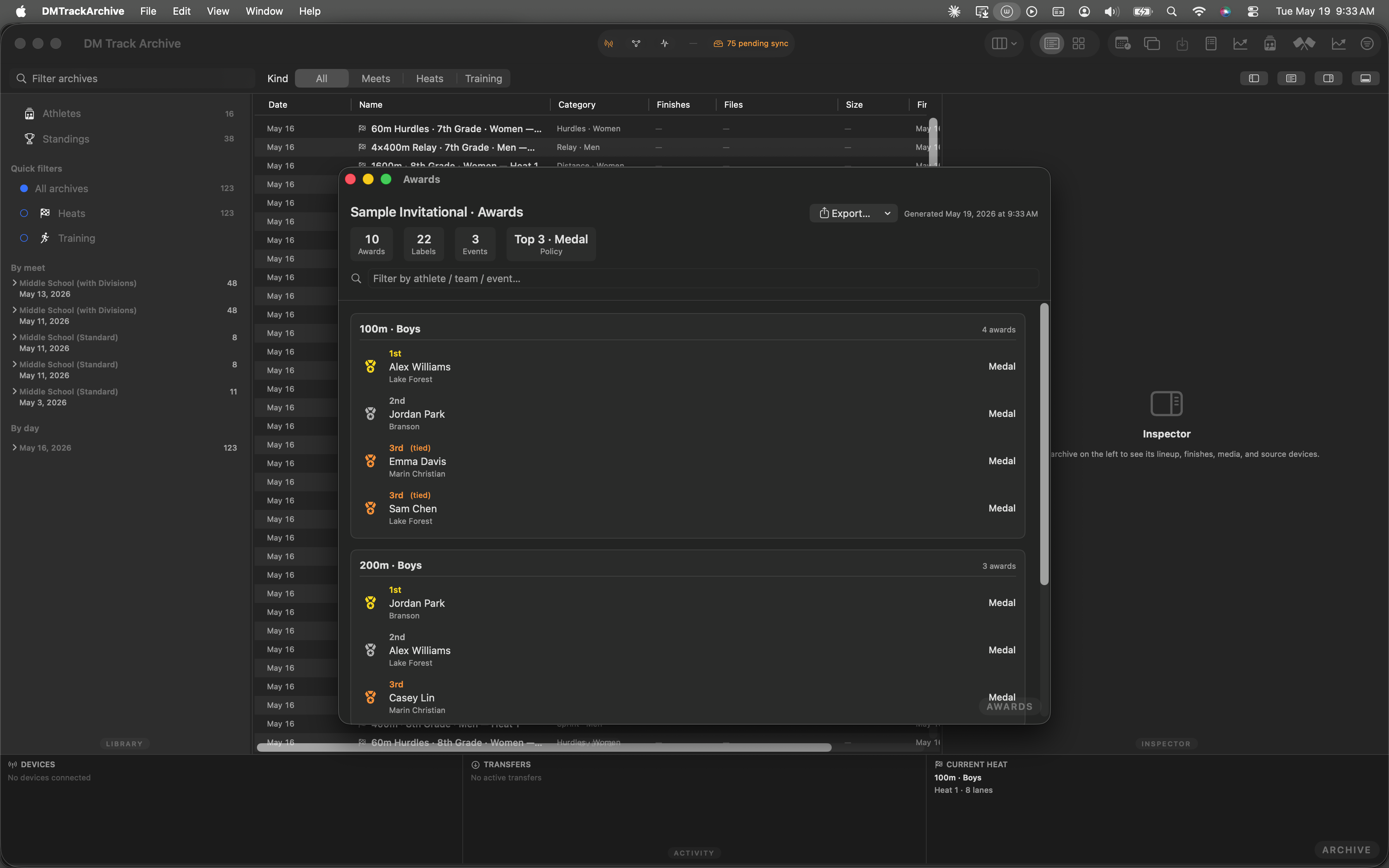
Awards window. Export menu top-right; click to reveal the six options.
The expanded Export menu
Six items in three groups, ordered by frequency-of-use. Each label item carries its sheet density (30 / 10 / 80 labels per sheet) so the operator picks the right size without reading the fine print on the Avery packaging.
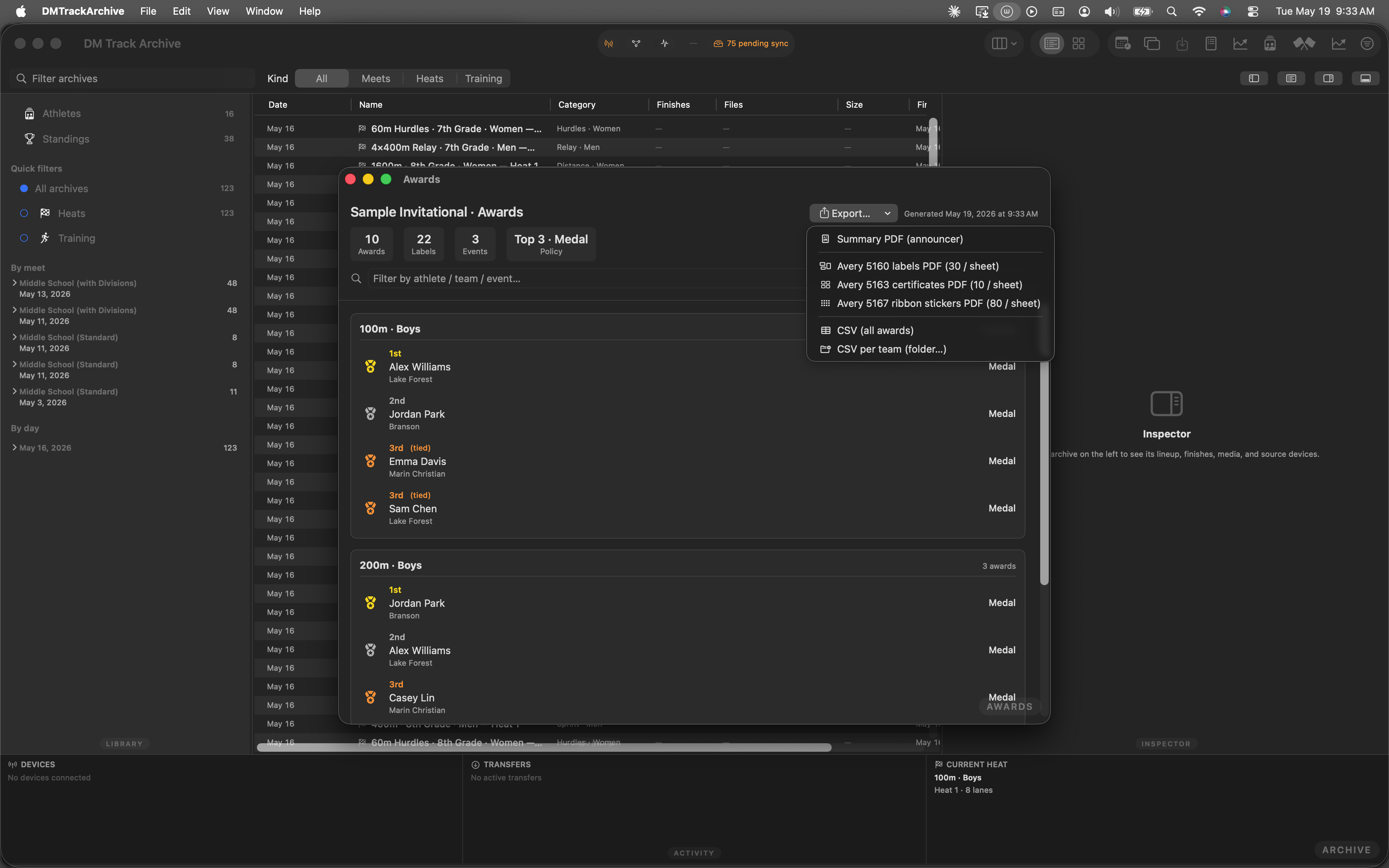
Expanded menu. Three groups: announcer (Summary PDF), labels (5160 / 5163 / 5167), CSV (all / per team).
MeetAwardsLedger that W2 wrote to disk. No re-running the standings engine; no opportunity for the exports to disagree about who won what.
Avery 5163 — certificate-sized labels (10 / sheet)
Two columns × five rows. Each label is 2" × 4" — big enough that the athlete's name fits at certificate-display type (24 pt bold), with the event name above it (14 pt) and the place + award kind on a footer line (13 pt semibold). The team name appears below the athlete name when set. Designed for end-of-season banquets where the label IS the award — peel one off, stick it on a mini-plaque or a sleeve, done.
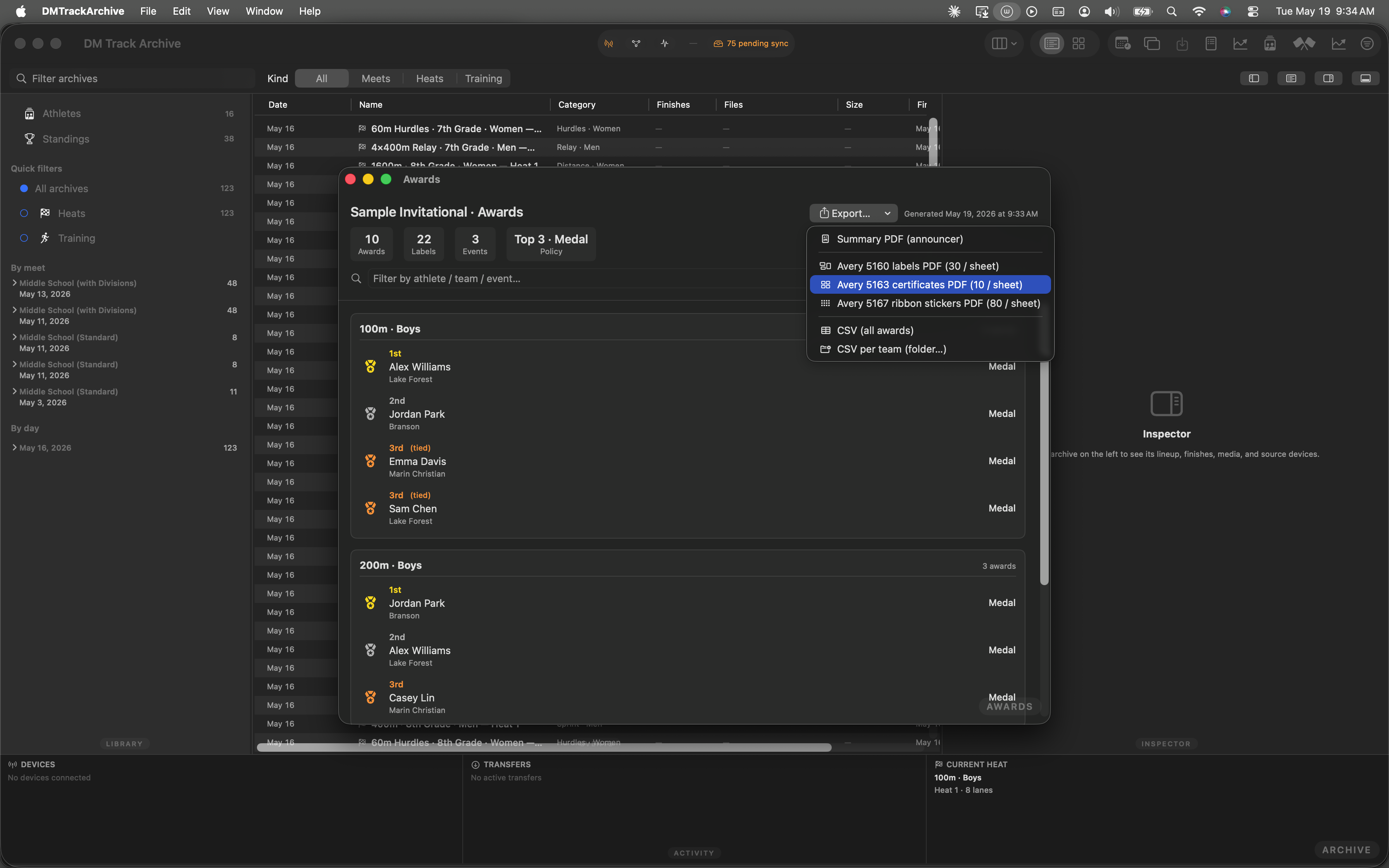
Avery 5163 highlighted. Click to render + save the PDF.
Avery 5167 — youth-ribbon stickers (80 / sheet)
Four columns × twenty rows. Each label is 0.5" × 1.75" — the densest layout in the lineup. Type is the smallest readable at print resolution: athlete name at 7 pt bold, event at 5.5 pt. Designed for youth-meet rosette ribbons where every participant gets one regardless of place — the sticker says who the ribbon belongs to, the ribbon itself carries the place. (For competitive meets, stick with 5160 or 5163; 5167's type is hard to read past arm's length.)
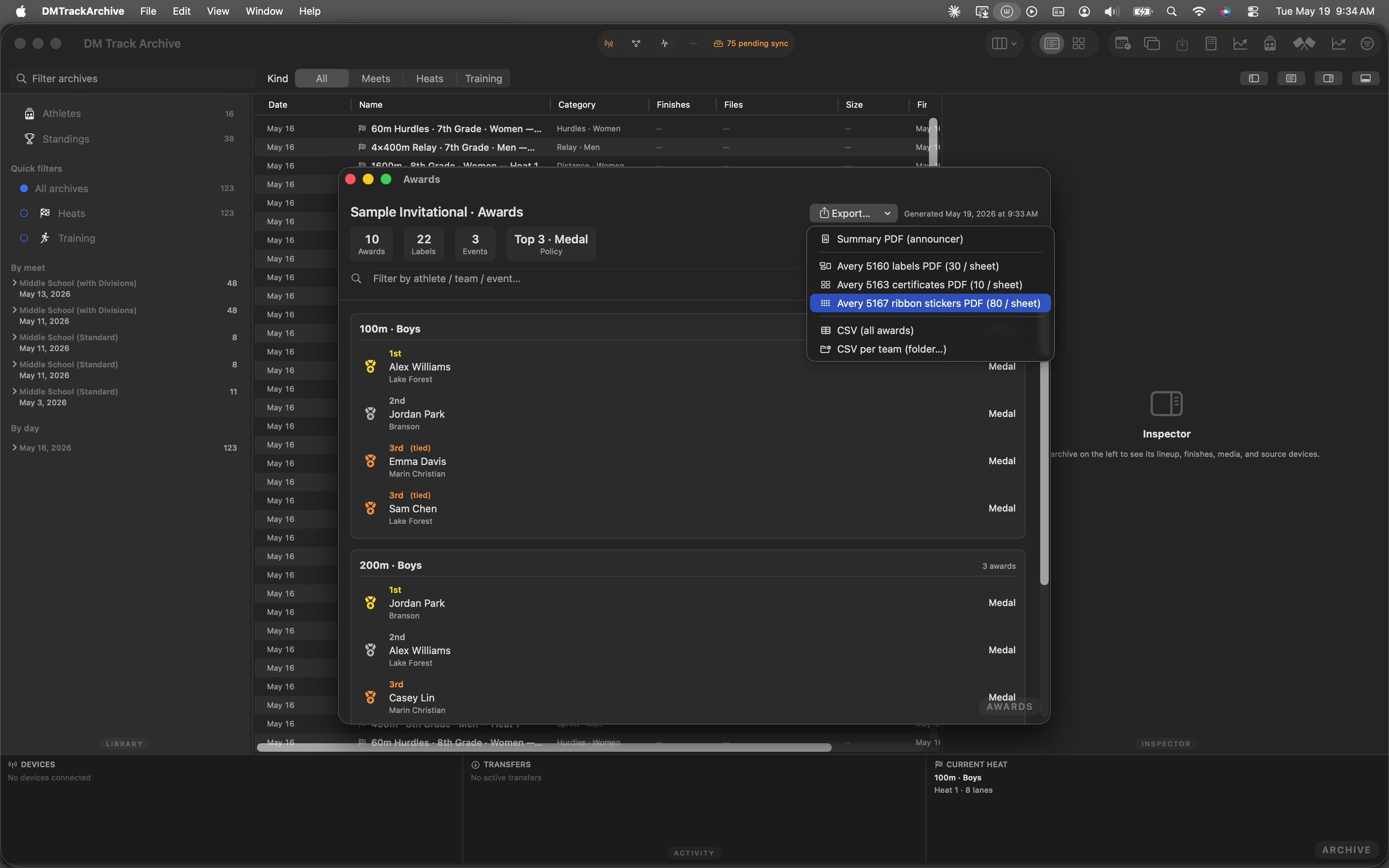
Avery 5167 highlighted. 80 labels per sheet — for the meets where every kid gets one.
CSV per team — one file per school
The all-awards CSV is great for the meet director's spreadsheet, but parents of athletes on a specific team want only their athletes' awards. The new CSV per team (folder…) item asks for a destination folder (NSOpenPanel, choose-directories-only) and writes one CSV per team into it. Filename is <meet>-<team>.csv; each file has the same column shape as the all-awards CSV. Coach forwards the team's CSV to their team's mailing list; receivers open it in Excel / Numbers / Sheets and it Just Works.
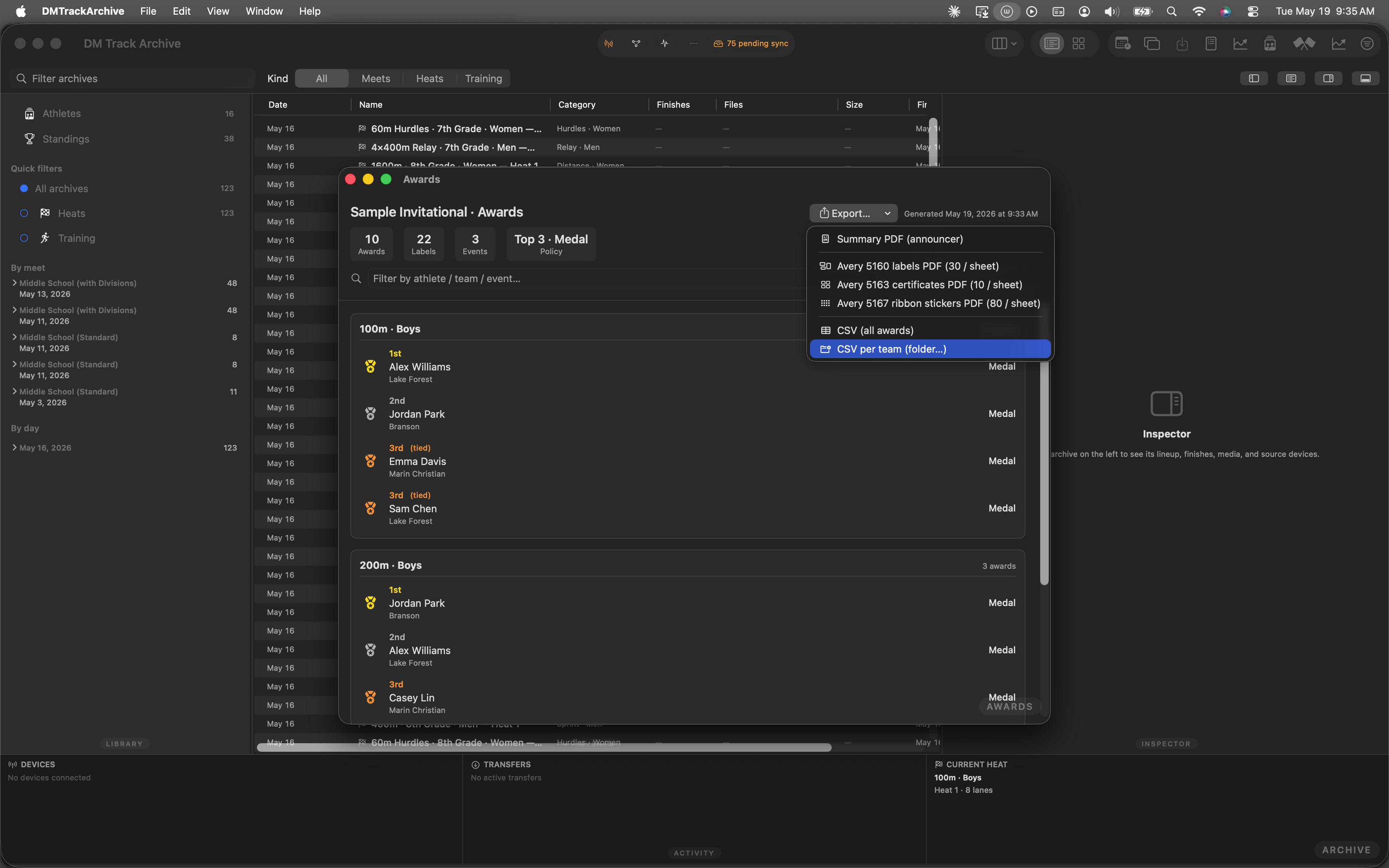
CSV per team highlighted. Click → folder picker → N files written.
(no team) bucket: athletes without a team end up in a file named <meet>-(no team).csv instead of being silently dropped. Rare in practice (the iPad enforces a team picker at check-in), but the orphan bucket means the export is loss-free.
Save + toast
Each PDF export opens a standard macOS save panel pre-populated with a sensible filename (Sample-Invitational-avery5163.pdf). The CSV-per-team export opens the folder picker instead, then writes N files into the chosen directory; the toast banner reads "Saved N team CSVs ✓" on success.
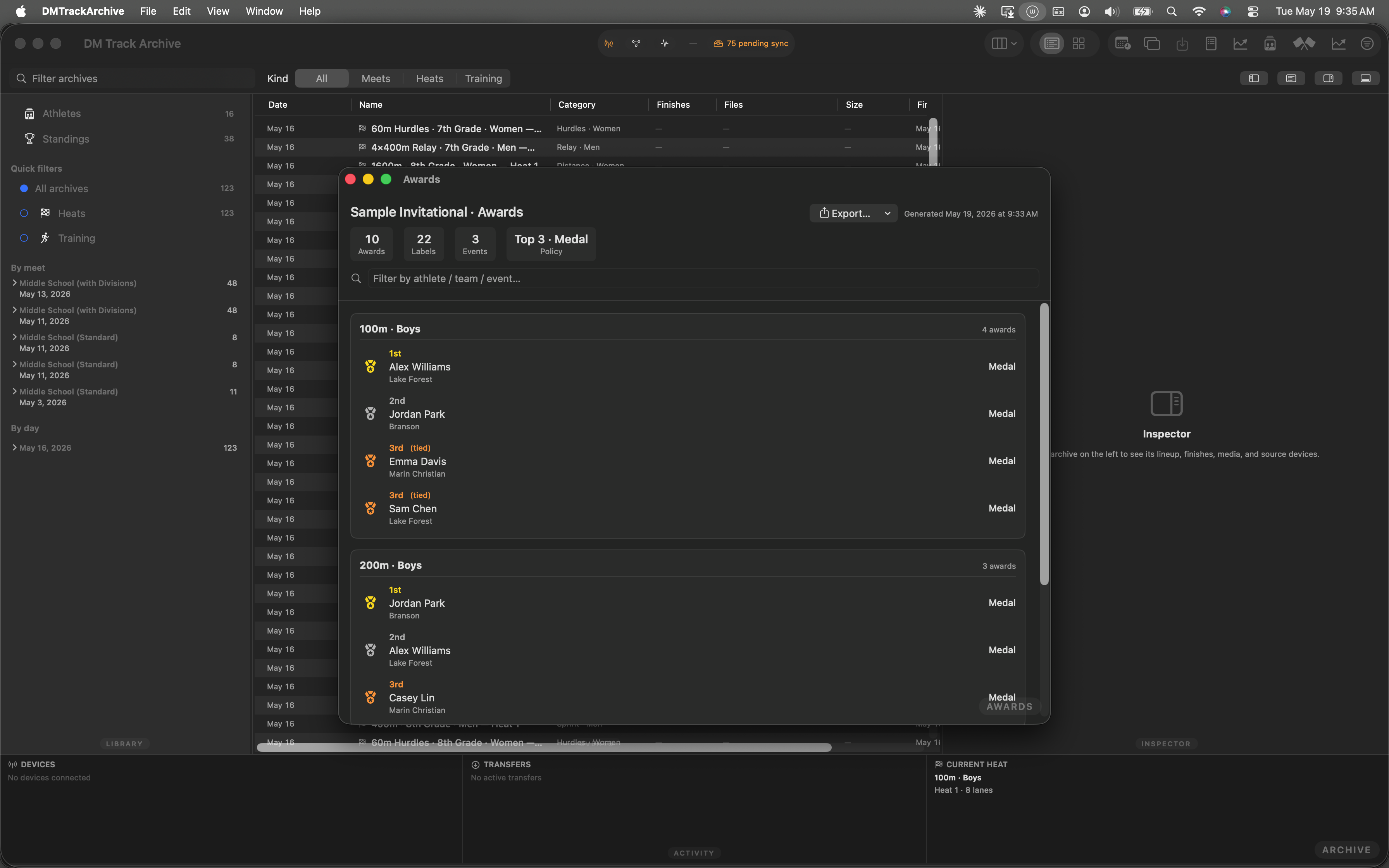
Post-export. The brief banner fades after ~2 s; the file lives where you saved it.
What W3.2 changed
- Two new SwiftUI views.
Avery5163PDFView+Avery5167PDFViewinAwardsExporter.swift. SameImageRenderer→ PDF pipeline as 5160; the differences are the per-sheet grid math (2×5 and 4×20) and per-label typography. Avery 5163's bigger frame gets a 4-line layout (event, athlete name big, team, place footer); 5167's tiny frame gets 2 lines (athlete name, event). csvDataPerTeam(ledger:) -> [String: Data]. Groups the ledger's awards by team label (athlete'steamLabelfor individuals, relay team name for relays), emits one CSV blob per team. Same column shape as the all-awards CSV so receiving software treats both files identically.- NSOpenPanel for directory pick. The per-team CSV export uses
canChooseDirectories=true+canChooseFiles=falseinstead of NSSavePanel. Each file in the result gets sanitized-team-name filenames viaAwardsExporter.teamFilenameComponent(_:)— drops path separators + control characters, collapses whitespace, caps length at 80. - Walkthrough is automated. The 7 screenshots above came from
W32AwardsExportsFollowupWalkthroughTestdriving the menu hover-and-fire pattern. Re-runs on each build; UI drift trips the test. - Avery exact dimensions, not approximations. 5163: 2"×4" labels, 0.15625" margins (matches Avery's template). 5167: 0.5"×1.75" labels, 0.3125" horizontal gutter, 0.21875" left margin. Matches the templates against which physical sheets are laser-cut — no nudging required at the printer.
The rest of the awards workstream
W1 — Awards policy editor sets the per-meet defaults that feed all of this.
W2 — Awards Ledger + Awards Window generates the ledger that W3 + W3.2 export.
W3 — Awards exports (Avery 5160 + PDF + CSV) shipped the first three formats; this is the follow-up.
Coming next — W3.3: A cloud-sync push so spectator-app users (R5+) can pull awards without operator email. Sidecar shape stays compatible; only the transport changes.